An Alternative to CapCut for Automatic Cuts
CapCut is great for editing, but you still have to find the cuts on the timeline yourself. Check out an alternative that lets AI find the best moments for you.
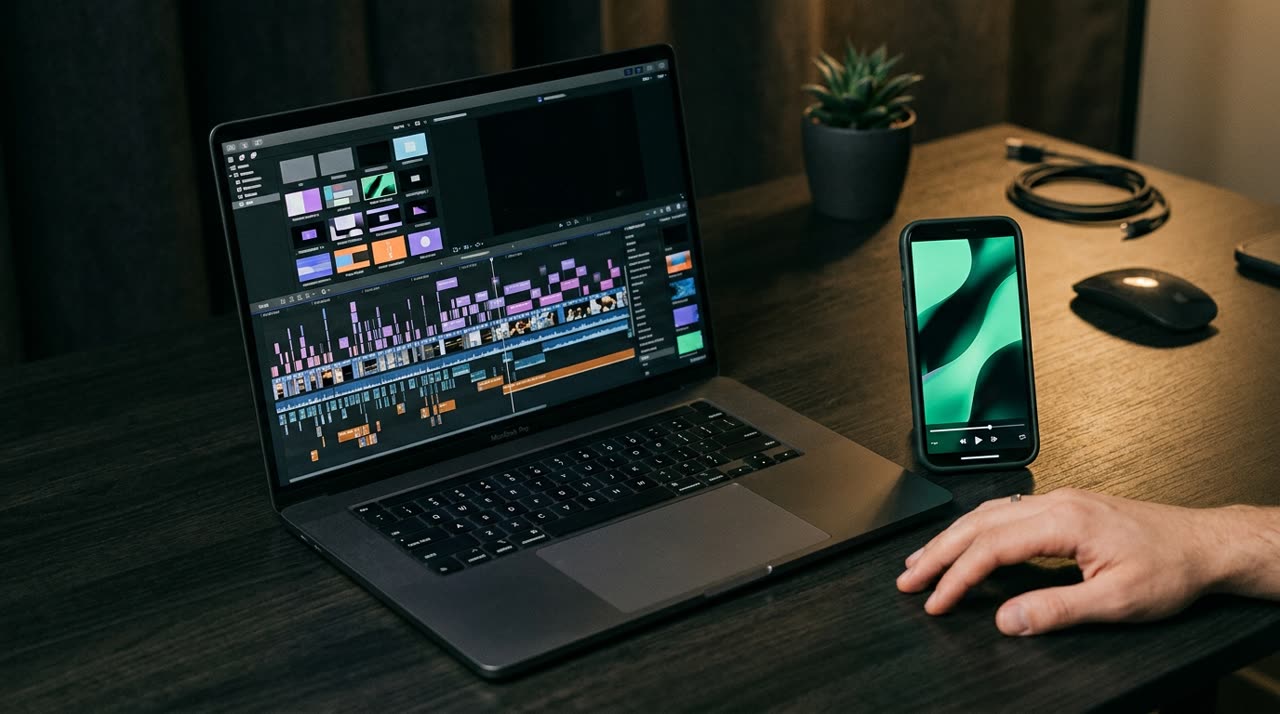
An Alternative to CapCut for Automatic Cuts: Stop Scouring the Timeline
CapCut is an excellent free editor. But if your job is turning long videos into clips for Reels, TikTok, and Shorts, you’ve probably noticed the problem: you’re the one watching everything, marking points, and cutting manually. A two-hour live stream turns into an entire afternoon dragging the playhead. That’s where an alternative to CapCut for cuts comes in — not to replace fine editing, but to find the moments for you.
The key difference is simple. With CapCut, you start with an empty timeline and ask, "where are the good parts?" In an AI-powered cutting studio, you start with the cuts already made, and the question becomes, "which one do I post first?"
What CapCut Does Well (and Where It Stops)
Let’s be honest: CapCut wins on several fronts.
- Full manual control over every frame, transition, and effect.
- Huge library of templates, tracks, and stickers.
- Free and available on mobile and desktop.
- Great for building a video from scratch, not just cutting.
Where it falls short is in what it doesn’t do automatically:
- It doesn’t watch your video to decide which moments have hooks and payoffs.
- It doesn’t transcribe or score clips by retention potential.
- Reframing to 9:16 is manual — you reposition frame by frame.
- Auto captions exist, but the cutting itself remains your job.
In other words: CapCut is the hand. It lacks the eye that decides where to cut.
The Alternative: Let AI Find the Cuts
Picotta flips the workflow. You upload your video (or paste a link from YouTube, Twitch, Vimeo, and other sources), and the studio handles the entire process:
- Transcribes the entire audio.
- Analyzes clips for hook, turn, self-sufficiency, and emotional charge — curating and scoring each candidate.
- Delivers N ready-to-post 9:16 clips with captions, theme, and viral potential score.
You get a grid of clips already cut and ranked by score. What’s left for you is the work that matters: choosing, tweaking, and publishing. If you want to refine, the Studio editor lets you adjust caption text, hooks, framing, and layers — without using extra credits.
Direct Comparison
| Feature | CapCut | Picotta |
|---|---|---|
| Finds cuts for you | No (manual) | Yes (AI curation) |
| Reframes on speaker’s face | Manual | Automatic (reframe) |
| Removes pauses and silences | Manual | Automatic (clean cuts) |
| Automatic captions | Yes | Yes |
| Fine frame-by-frame editing | Strong | Studio editor |
| Live monitor | No | Yes |
| Pricing in local currency, card payment | Free / global subscription | Free + plans in BRL |
CapCut remains unbeatable for freeform editing. Picotta shines when the bottleneck is finding and producing volume of clips from long footage.
Where Picotta Stands Out
Three features solve pain points that manual cutting in CapCut leaves on your plate:
Face Reframe
The 9:16 cut follows whoever is speaking instead of locking to the center. In two-person conversations, it stacks both speakers on screen. In CapCut, this repositioning is manual for each scene.
Clean Cuts
Pauses and silences are removed automatically, keeping the clip’s pace tight to hold attention. You don’t have to hunt down every breath on the timeline.
Live Monitor
Register a YouTube, Twitch, or Kick channel, and when the live ends, clips queue up automatically. Perfect for streamers — see how it works for streamers, churches, and podcasters.
Two more details matter for the Brazilian audience: billing is in Brazilian real, on your card — no surprise dollar conversions — and the clips’ look don’t have that "AI-generated" feel. Your brand is front and center, not ours.
So, Should You Ditch CapCut?
No need. The smartest move is to use both: Picotta finds and produces the cuts, and if you want a more creative, personal touch, export and finish in CapCut. For 90% of clips, though, what comes out of the studio goes straight to your feed.
If you want to dive deeper, check out how to make viral clips and the comparison of the best AI clip generators in 2026. Those making clips for clients can find scale in agency solutions. And if you want to turn this into income, you can promote the studio through the affiliate program.
Conclusion
CapCut is a great tool, but it gives you a blank canvas — you do the work of finding the cuts. The best alternative to CapCut for cuts isn’t another manual editor: it’s letting AI watch the video, score the moments, and deliver a ready grid, leaving only the creative decisions to you.
Start clipping — upload a video, paste a link, and watch the clips come out ready: create your free account.
Pronto pra picotar o seu próximo vídeo?
Cole o link e receba cortes prontos pra postar. Grátis pra testar.
Comece a picotar →Sem cartão de crédito. Cancele quando quiser.