Watermark-Free Clip Generator: How to Download Clean Clips
Which Picotta plan unlocks watermark-free clips, why it’s worth it, and how to download clean clips in 9:16.
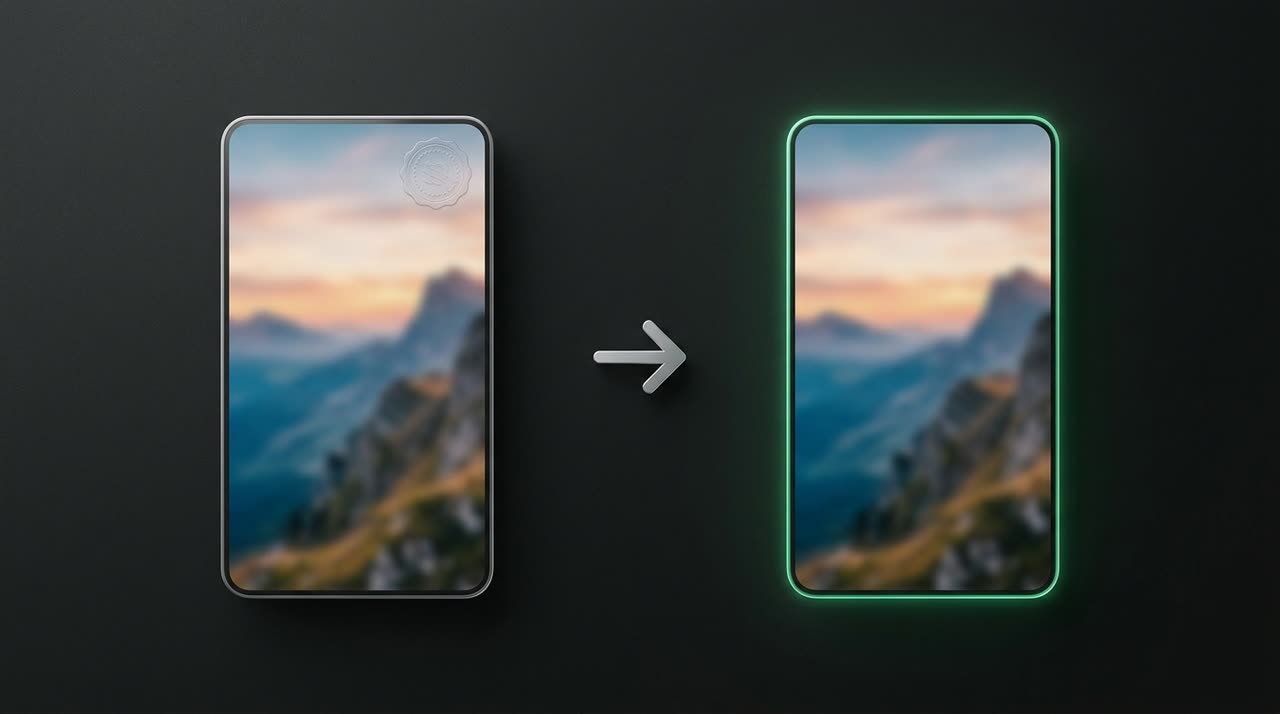
Watermark-Free Clip Generator: What Changes in Your Video
Looking for a watermark-free clip generator usually has one reason: you want to post clips on your profile without another app’s stamp on top. Makes sense. Third-party watermarks compete with your brand, distract viewers, and in some niches, reduce reach because platforms detect "repurposed" content.
At Picotta, our clip studio treats the watermark like media, not a permanent signature. It’s present in the free plan to support processing (transcription, AI curation, 9:16 rendering), and disappears in paid plans. Below, we explain exactly which plan unlocks clean clips and why it’s usually worth it.
How Watermarks Work on Picotta
In the Free plan, each clip includes a subtle watermark identifying the source—designed to be light, not to clutter the video. This allows a real trial: you upload a long video, AI finds the best moments, and delivers ready clips with automatic captions, face reframing, and clean cuts.
In paid plans (Creator, Pro, and Studio), the watermark does not appear. The clip is yours, clean and ready to post. You download in 9:16 (or 1:1 and 16:9) and publish on TikTok, Reels, or Shorts without any overlay.
This difference is the line between "testing the tool" and "producing with the tool." Once you’ve confirmed the clips meet your quality needs, the next step is choosing a plan.
Which Plan Unlocks Watermark-Free Clips
All paid plans deliver clean clips. The choice between them is about volume and features, not watermark removal:
| Plan | Watermark | Best for |
|---|---|---|
| Free | Yes (subtle) | Testing the studio before subscribing |
| Creator | No | Frequent posters who want clean basics |
| Pro | No | Higher volume, priority queue, more brands |
| Studio | No | Agencies, production companies, and live monitoring |
Credits (1 credit = 1 minute of processed video), file retention, and number of brands vary by plan. Current prices are always on the pricing page—in Brazilian Real and charged to your card, no surprise currency conversions.
Why It’s Worth Paying for Clean Clips
Removing the watermark isn’t just about looks. Some concrete reasons:
- Channel authority. A clip without a third-party stamp appears as your original content. Your name is front and center.
- Reach. Platforms favor videos that look native. A watermark from another app counts against you.
- Your own brand. If you want identity, Picotta offers post themes (header with your logo, name, @handle, and verified badge)—your branding, not ours.
Plus, you get features with clean clips that not all generators provide:
- Face reframing — 9:16 clips follow the speaker instead of a fixed center crop.
- Clean cuts — pauses and silences are removed for better pacing.
- Live monitor — Picotta watches your channels and queues clips automatically when a live ends.
- Automatic captions in ready-made styles, with karaoke and animation.
Picotta vs Competitors: An Honest Comparison
Tools like OpusClip, Klap, and Vizard are solid and mature—they’ve been around for years with strong features. If your workflow already runs well on one of them, great. Where Picotta stands out for Brazilian users is specific:
- Pricing in Brazilian Real, charged to your card—no surprise dollar conversions on your bill.
- Live monitor that automatically clips when streams end (great for streamers and podcasters).
- Face reframing and clean cuts enabled by default in recommended mode.
- No "AI look" — clips come out clean, with your branding if you want, not generic effects.
For a side-by-side comparison, see Cut.Pro vs Picotta and our 2026 best AI clip generators comparison. If you want tips on the cutting technique itself—hooks, payoff, pacing—check the guide on how to make viral clips.
How to Download Clean Clips, Step by Step
- Subscribe to a paid plan (Creator, Pro, or Studio) on the pricing page.
- Upload your long video or paste the link in the editor.
- AI transcribes, finds the best moments, and renders clips in 9:16.
- Watch each clip in the player and click download—no watermark, ready to post.
If you work with many clients, you can use the Studio plan and the workflow designed for agencies, with multiple brands and live monitoring across channels.
An Alternative: Refer Users and Earn Cash
If you want to earn on the side, Picotta has an affiliate program: refer new users and earn a cash commission (via Pix) when they subscribe.
Conclusion
A watermark-free clip generator is really a matter of plan—not a hack. At Picotta, any paid plan delivers clean 9:16 clips with face reframing, clean cuts, and automatic captions, all charged in Brazilian Real and to your card. The free plan exists so you can truly test before deciding. Once your clips reach the quality you need, clean clips are worth it: your name on the video, no one else’s stamp.
Want to see it in action? Start clipping and download your first clip. For more guides, visit the blog.
Pronto pra picotar o seu próximo vídeo?
Cole o link e receba cortes prontos pra postar. Grátis pra testar.
Comece a picotar →Sem cartão de crédito. Cancele quando quiser.