Streamer Clips: All-Day Content Straight from Your Live
Streamers who broadcast for hours produce tons of short content without realizing it. Learn how to automatically generate clips from Twitch, Kick, and YouTube streams.
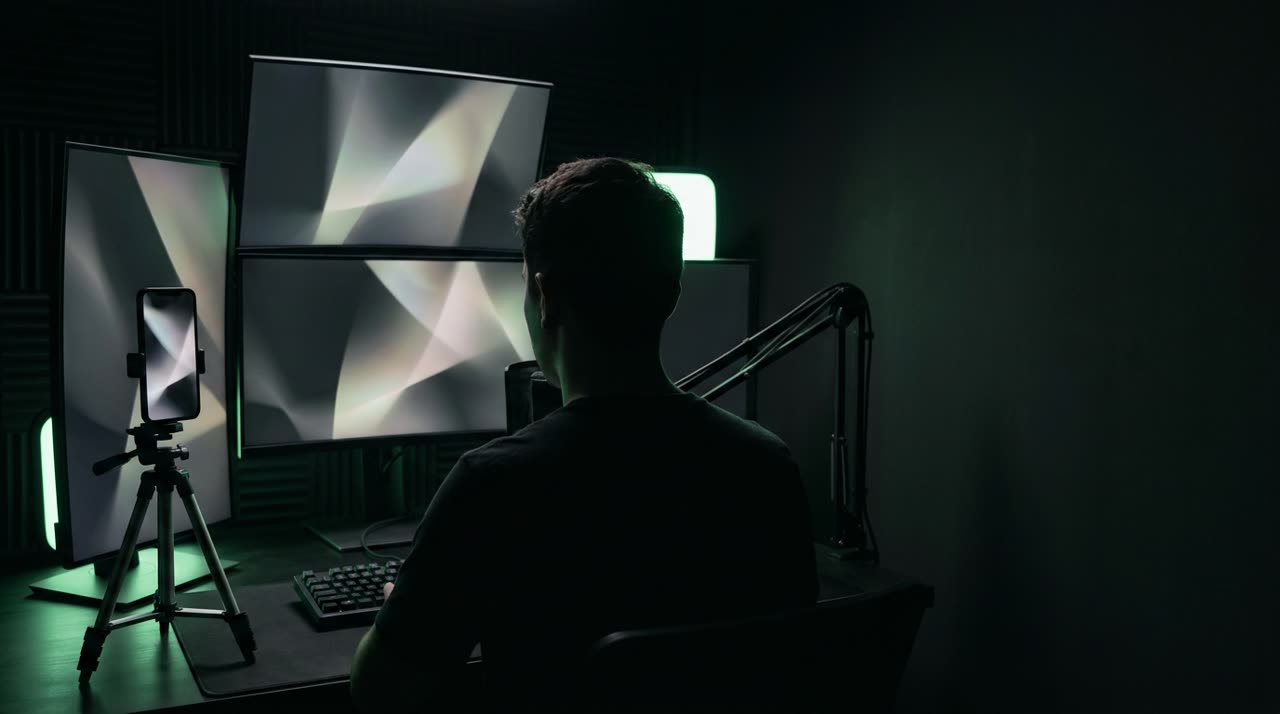
You’re already creating content — you just aren’t publishing it
Streamers produce more short content than almost any other creators — but publish less. Six hours of streaming have dozens of moments that would work perfectly on TikTok, Reels, or Shorts: the play, the reaction, the drama, the story. But live, you’re gaming, chatting, and focused. Nobody pauses the stream to cut clips.
The usual result: the VOD stays on the channel, barely anyone re-watches, and the reach that could bring new followers simply doesn’t happen. Streamer clips exist to fill that gap — and Picotta does it without pulling you away from your stream.
The live monitor works while you play
The game-changer for streamers is the live monitor. You register your channel once — Twitch, Kick, or YouTube — and Picotta starts watching. When your live ends, the studio detects it, downloads the recording, and queues up clips automatically.
Here’s how it really works:
- Register your channel in the monitor, choosing the platform.
- Stream as usual.
- End the stream. The monitor detects this within minutes.
- 9:16 clips arrive ready in your dashboard — reframed, captioned, and paced.
- A WhatsApp notification lets you know when they’re done.
You can shut down your setup and rest. The clips will be waiting when you return.
Twitch, Kick, and YouTube — each handled their way
The monitor understands each platform. On Twitch, it uses the official API to find the stream and the archived VOD — so keep VOD saving enabled on your channel. On Kick, it detects via the channel page. On YouTube, it identifies the live and waits for the VOD to be available.
It doesn’t start clipping old streams either: the first registration just sets the baseline, and clips start from the next live.
Why it doesn’t cost a fortune
Streamers’ lives are long. Transcribing six hours in full would be expensive. Picotta uses a peak engine: it downloads the full recording (free bandwidth), but transcribes only the windows around the best moments — energy peaks, most rewatched parts, and chat speed when available.
You pay only for those minutes, not the whole stream. A four-hour broadcast usually yields 25 to 40 minutes analyzed — making live clipping affordable even daily.
Framing and captions that work in clips
Streamer clips have a challenge: the webcam in a corner, the game filling the screen. Picotta handles this:
- Face reframing — vertical clips follow your face when you speak; the camera doesn’t crop awkwardly.
- Stacked layout — when the clip has gameplay plus facecam, the studio places the facecam on top and the game below, both visible in vertical format.
- Tight cuts — pauses and dead time are removed; clips jump straight into the action.
- Word-by-word captions, styled as you choose — essential for viewers watching muted.
Each clip also comes with titles, descriptions, and niche hashtags ready, with tabs for each platform.
How many channels and which plan
The live monitor is part of paid plans, differing by how many channels you monitor simultaneously: Creator monitors 1 channel, Pro monitors 3, and Studio monitors 8. If you manage multiple profiles — or a team of streamers — you can track them all from one dashboard. Details are on the pricing page.
Beyond the live: create a clip from a specific moment
Sometimes you don’t want the whole stream. If a moment already blew up in chat and you want just that, paste the VOD or clip link directly into the studio and generate it instantly. The same treatment — reframing, tight cuts, captions — applies to single clips.
Consistency without extra work
Streamer channels thrive on frequency. Posting daily builds audience — and that stalls when every clip needs manual editing. With the monitor handling capture and processing, your posting routine depends only on choosing and uploading, not editing.
To keep your feed looking consistent effortlessly, you can save a template with your preferred caption style, colors, and post theme and apply it to all clips. So even with dozens of clips per week, your profile’s look stays coherent — and viewers recognize your clips instantly in their feed. Captions are part of this: learn how to perfect them in automatic video captions.
Conclusion
Streamers don’t have time to be editors — and shouldn’t have to be. With Picotta’s live monitor, streamer clips happen automatically: you stream on Twitch, Kick, or YouTube, end the stream, and 9:16 clips arrive ready — reframed, captioned, and paced, charging only for the valuable minutes.
Register your channel and turn every stream into all-day content. Start clipping now, check out solutions for streamers, or compare plans with live monitor.
Pronto pra picotar o seu próximo vídeo?
Cole o link e receba cortes prontos pra postar. Grátis pra testar.
Comece a picotar →Sem cartão de crédito. Cancele quando quiser.