Live Cutting: The Complete Guide to Turning Streams into Viral Videos
Live cutting is the fastest-growing format in short videos. Learn where to find the best moments from a stream, the right format, and how to automate the entire process.
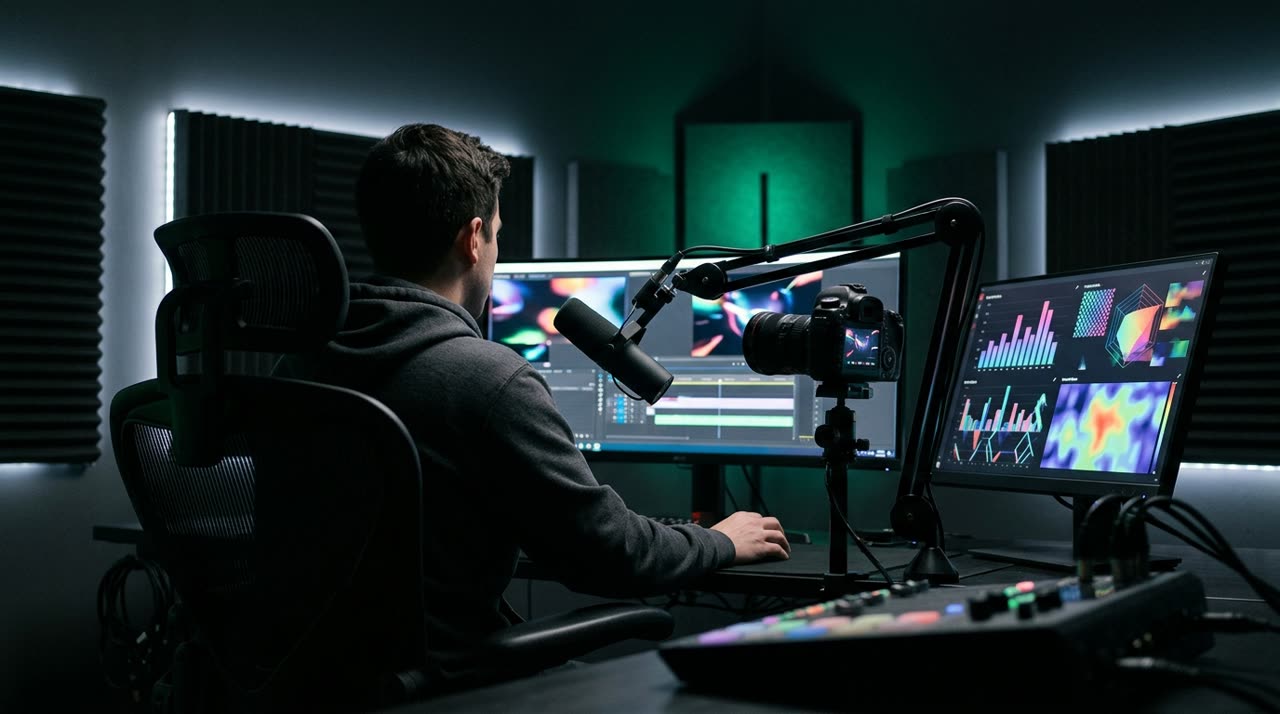
What is a live cut
A live cut is a short clip — usually 30 to 90 seconds — taken from a live stream and published vertically on TikTok, Reels, or Shorts. This format has built many of Brazil’s biggest clip channels: a multi-hour stream turns into dozens of short videos, each acting as an entry point to the channel.
The math is simple: a 4-hour stream that no one will rewatch fully hides 10 or 20 moments that millions would watch if they appeared freely in their feed.
Where to find the best moments in a live stream
Anyone who cuts live streams manually learns to look for signals. The main ones are:
- Chat reaction — when the chat floods with messages and emotes, something just happened. This is the most reliable highlight signal.
- Replay peaks — on YouTube, the replay graph shows where viewers rewind to watch again.
- Laughter, shouting, arguments — energy spikes in the audio mark genuine reactions.
- Pattern breaks — the stream was flowing one way, then something changed: sudden silence, a confession, a game-changing moment.
Picotta uses these exact signals automatically: it reads YouTube’s chat replay, the replay graph, audio energy peaks, and the full transcription to score each segment — then cuts where the signals converge.
The right format for live cuts
- 9:16 vertical, 1080 × 1920 — the standard for Reels, TikTok, and Shorts (full specs here).
- Framing on the speaker — streams are recorded full-screen horizontal; the cut needs reframing. Picotta tracks the face of whoever’s speaking, and for gameplay with facecam, it creates the classic layout: camera on top, game below.
- Automatic captions — most people watch without sound at first.
- Clean cuts — streams have pauses and filler; removing silences helps keep viewers engaged.
- Hook in the first 3 seconds — the strongest moment must appear right away, not at the end.
How to cut live streams from each platform
Each platform has its own process — and we’ve written specific guides:
- Cutting YouTube live streams into Shorts — the VOD is public; just paste the link.
- How to cut Kick live streams — plus the Kick streamers’ clip guide.
- Live cuts for churches — churches stream everything; sermons turn into dozens of Reels.
- Twitch — the VOD must be saved on the channel; then it works the same way.
In all cases, the Picotta workflow is the same: paste the VOD link, and the AI transcribes, finds highlights, and delivers ready-to-post clips with captions and your branding.
The next level: automatic cutting right after the stream ends
Live cuts have a golden window: the first few hours after the stream, while the topic is still hot. Cutting the next day is already late.
That’s why Picotta offers the live monitor: you register the channel (YouTube, Twitch, or Kick), and when the stream ends, the system downloads the VOD, finds the best moments, and generates clips automatically — notifying you on WhatsApp when they’re ready. The stream ends, the clips arrive.
How much does it cost to cut a full live stream?
Picotta charges by minute of video processed — and with live monitoring, the system transcribes only the segments around peaks (not the entire 4 hours), so a long stream costs a fraction of what you’d expect. Details in the plans.
Conclusion
Live cutting offers the best effort-to-reach ratio in short video: the content already exists, it just needs to be mined, reframed, and captioned. The bottleneck has always been manual work — and that’s exactly what automation solves.
Paste the link to your last live stream and see what it was hiding: start clipping. To go further, check out the viral clip guide and how much to charge for clips.
Pronto pra picotar o seu próximo vídeo?
Cole o link e receba cortes prontos pra postar. Grátis pra testar.
Comece a picotar →Sem cartão de crédito. Cancele quando quiser.