How to Choose the Right Aspect Ratio: 9:16, 1:1, or 16:9
9:16, 1:1, or 16:9? A straightforward guide to picking the right crop aspect ratio by platform and goal, no guessing involved.
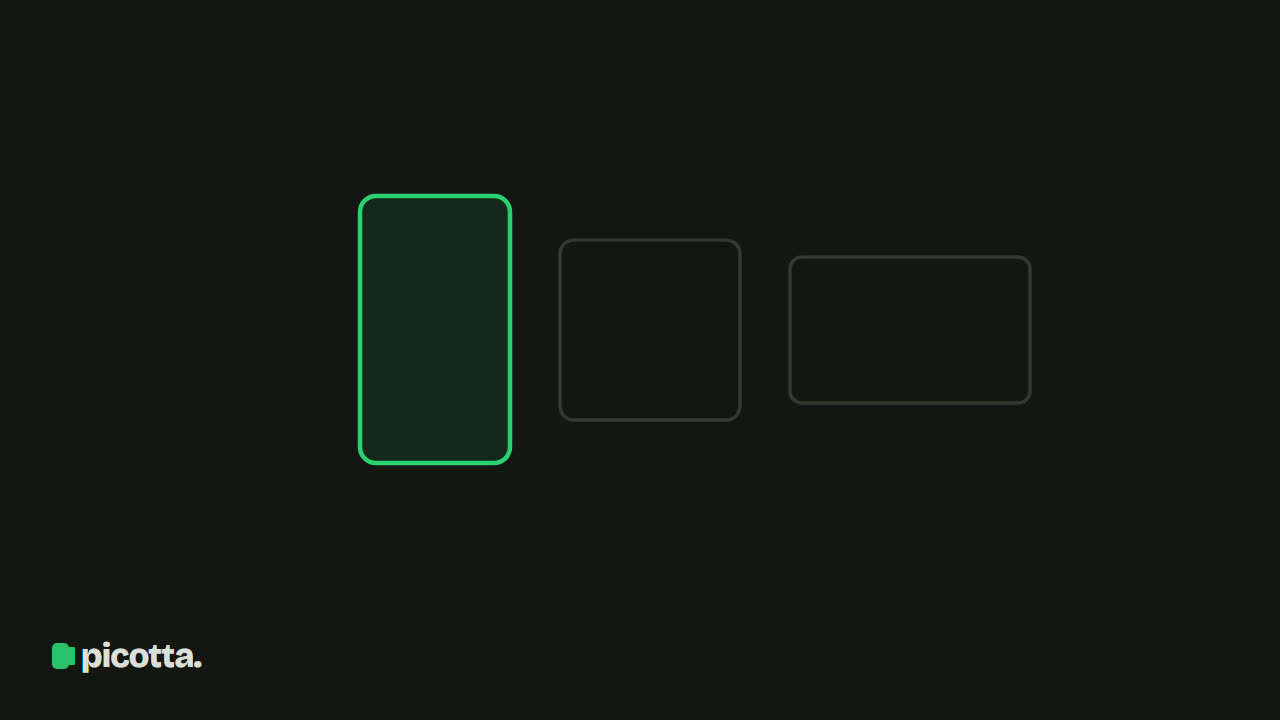
How to Choose the Crop Aspect Ratio Without Guesswork
Every time you export a clip, you pick an aspect ratio—even if you don’t realize it. This choice determines whether your video fills the entire phone screen or ends up squeezed with black bars on the sides. Knowing how to choose the right crop aspect ratio is the difference between a Reels that grabs attention and one people scroll past.
Good news: there are only three formats that really matter. Here’s what each does and when to use them.
The Three Formats That Matter
9:16 — Full-Screen Vertical
This is the vertical format, the same as holding your phone upright. It fills the entire screen on the platforms where people actually watch: TikTok, Instagram Reels, and YouTube Shorts.
- When to use: 90% of clips. It’s the default for any content made for mobile feeds.
- Strength: maximizes screen use, more immersive, and these platforms’ algorithms prioritize vertical video.
- Watch out: a video recorded horizontally needs to be reframed for vertical—otherwise, the person ends up tiny in the middle.
1:1 — The Versatile Square
The square format (width equals height). It’s not full screen anywhere but doesn’t look bad anywhere either.
- When to use: Instagram and Facebook feeds, LinkedIn, ads that run across multiple platforms.
- Strength: takes up more vertical space than 16:9 in feeds without fully committing to 9:16. Good if you post the same video on several platforms.
- Watch out: it’s lost some impact since Reels and Shorts became standard. Today it’s more of a safe bet than a standout.
16:9 — The Classic Horizontal
The widescreen format used by TVs and monitors. Most live streams, classes, and podcasts are recorded this way.
- When to use: long-form YouTube videos, embeds on websites, presentations.
- Strength: shows background, graphics, gameplay, and multiple people without crowding.
- Watch out: on mobile feeds, it appears small with black bars above and below. Not great for Shorts, Reels, or TikTok.
Quick Reference Table: Aspect Ratio by Platform
| Platform | Best Aspect Ratio | Alternative |
|---|---|---|
| TikTok | 9:16 | — |
| Instagram Reels | 9:16 | 1:1 |
| YouTube Shorts | 9:16 | — |
| Instagram Feed | 1:1 | 9:16 |
| YouTube (long-form) | 16:9 | — |
| 1:1 | 9:16 |
Choose by Goal, Not Just Platform
The platform sets the baseline, but your goal fine-tunes the choice:
- Reach and discovery (getting in front of new viewers): always 9:16. Recommendation feeds live on vertical.
- Repurposing across multiple platforms with one file: 1:1 is less hassle and looks fine everywhere.
- Content needing visual context (gameplay, slides, two guests side by side): here 16:9 really shines—or a vertical stacked layout, with webcam on top and screen below.
This last case is where many tools fail: they squeeze a 16:9 gameplay into 9:16, making the game unreadable. Picotta detects the scene and automatically creates a stacked format (camera + content) instead of just cropping everything in the center.
The Detail Almost Everyone Forgets: Reframing
Choosing 9:16 is easy. The hard part comes after that choice, when the original video is horizontal.
A poorly reframed vertical crop can cut off the speaker’s head or leave them out of frame while the center is empty. That’s why more important than "which aspect ratio" is how the crop is reframed inside it.
At Picotta, the reframe follows the speaker’s face—the camera tracks the person talking instead of staying fixed in the center. When there are two people, the crop becomes a stacked screen with each in their own frame. And clean cuts remove pauses and silences, keeping the tight pace vertical videos need. It’s the difference between a 9:16 that looks hand-edited and one that feels like a lazy zoom.
If you work with streamer live streams, church sermons, or podcast episodes, this smart reframing is worth more than the aspect ratio choice itself.
What If I Don’t Want to Decide Every Time?
You can set it to automatic. In Picotta’s clip studio, you pick the aspect ratio once (9:16, 1:1, or 16:9) and everything else—reframe, captions, clean cuts—is handled. And because Picotta saves the clip in its original aspect ratio for editing, you can switch formats later in the editor without using extra credits.
Compared to international tools like OpusClip—which are great and mature—the practical difference for content creators in Brazil is threefold: billing in Brazilian real on your card (no dollars or currency exchange fees), a live monitor that auto-cuts when your stream ends, and results without that "AI-generated" look on overlays. For a full comparison, see Cut.Pro vs Picotta and the best AI clip generators in 2026.
Step-by-Step: Export in the Right Aspect Ratio
- Pick your target platform. TikTok, Reels, and Shorts use 9:16; feeds use 1:1; long-form YouTube uses 16:9.
- Choose the aspect ratio in the studio. In Picotta's clip studio, select 9:16, 1:1, or 16:9 once for the whole batch.
- Let the reframe handle the crop. Generate the clips — the face reframe keeps the speaker in frame and stacks two people when needed.
- Switch formats later if needed. Picotta keeps the clip in its original aspect ratio, so you can change the format afterward in the editor without extra credits.
Frequently Asked Questions
Which aspect ratio should I use for TikTok, Reels, and Shorts? 9:16 (1080×1920). It’s the full-screen vertical format all three prioritize and covers about 90% of clips.
When should I use 1:1 or 16:9 instead of 9:16? 1:1 for Instagram/Facebook feeds and multi-platform posts; 16:9 for long-form YouTube, embeds, and presentations.
What’s more important than the aspect ratio? The reframing inside it. The right ratio with bad cropping still cuts off the speaker — Picotta tracks the face so the person stays in frame.
Can I change the aspect ratio after creating the clip? Yes. Picotta keeps the clip in its original aspect ratio for editing, so you can switch formats later in the editor without extra credits.
Quick Summary to Pin on Your Wall
- Mobile feeds (TikTok, Reels, Shorts) → 9:16.
- Multiple platforms with one file → 1:1.
- Long YouTube, gameplay, two guests → 16:9 or stacked vertical.
- Above all: focus on reframing—the right aspect ratio with bad cropping still drives viewers away.
Want to see how the same video looks in each format? Upload a video, pick the aspect ratio, and check the finished clip. Start clipping for free—and if you want to scale up, our plans fit Brazilian budgets. To dive deeper into the craft, the next step is how to make viral clips.
Pronto pra picotar o seu próximo vídeo?
Cole o link e receba cortes prontos pra postar. Grátis pra testar.
Comece a picotar →Sem cartão de crédito. Cancele quando quiser.