How to Cut YouTube Videos into Shorts with AI
Paste the YouTube link and get ready-to-post vertical Shorts: captions, face reframing, and clean cuts without opening an editor.
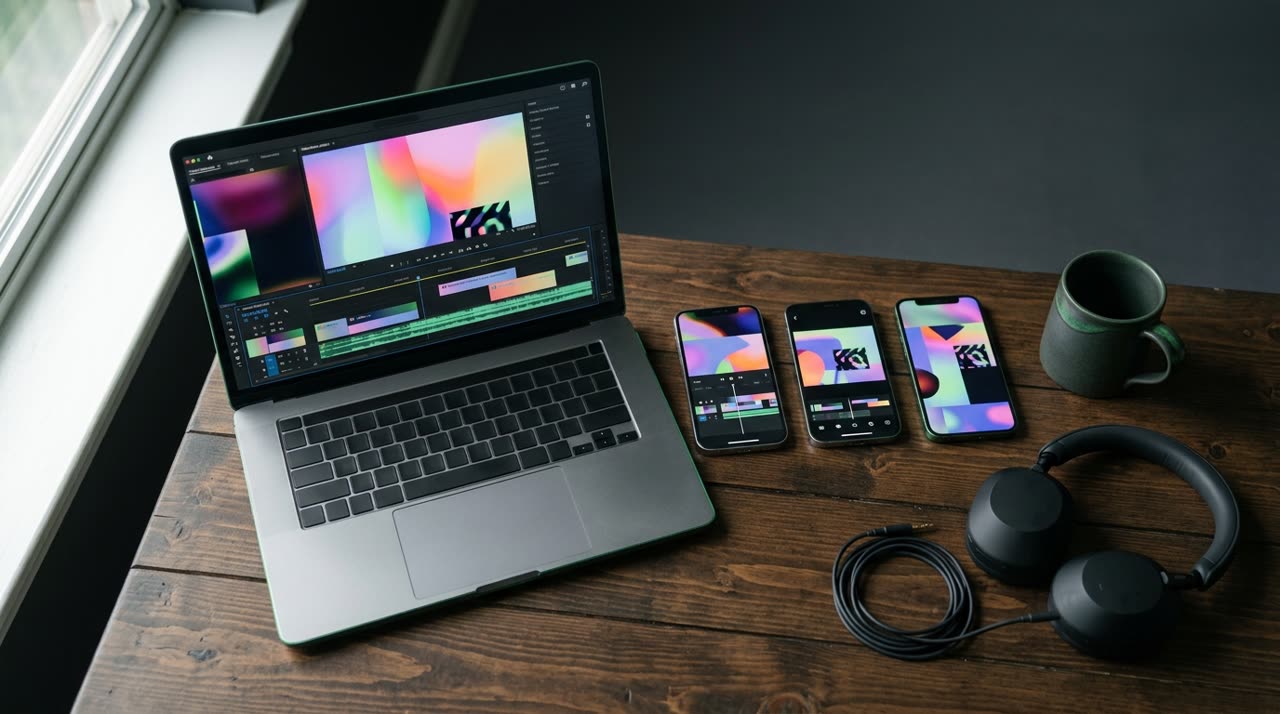
How to Cut YouTube Videos into Shorts with AI
If you’ve ever tried cutting YouTube videos into Shorts manually, you know the pain: downloading the video, hunting for the good moments in an hour-long recording, cropping to 9:16, captioning every word, exporting, and repeating. One episode can take an entire afternoon. The good news is you can just paste the link and get ready-to-post vertical Shorts — AI does the heavy lifting and you just pick what to publish.
In this straightforward guide, we show you step-by-step how to use Picotta, the cutting studio that transcribes, finds the best moments, and returns 9:16 videos with captions, branding, and face reframing.
Manual Editing Is Costly (AI Fixes That)
Cutting Shorts by hand involves at least:
- Watching everything again to mark the best parts;
- Reframing horizontal (16:9) to vertical (9:16) without cropping the speaker’s head;
- Captioning — the part that keeps viewers engaged on Shorts feeds;
- Exporting and naming each file.
AI tackles all these steps at once. Instead of hunting for moments, the model reads the entire transcript, scores segments by hook (first 3 seconds), payoff, standalone potential, and shareability. It also cross-checks objective signals — YouTube’s "most rewatched" moments, audio energy peaks (laughter, applause, excitement) — to avoid random cuts.
The AI decides how many clips the video yields (ranked by viral score) — or you can lock an exact number in Custom mode. If you prefer, you can also pick the video segment (from minute X to minute Y). The rest is automatic.
Step-by-Step: From YouTube Link to Ready Short
1. Paste the Link
With Picotta, you paste the YouTube video link directly on the homepage or in the cutting studio. No need to download anything first — besides YouTube, you can use Vimeo, Twitch, Rumble, Kick, and public .mp4 URLs. Instagram and TikTok videos can’t be used as sources (platforms block downloads); they’re destinations for your Shorts.
2. AI Transcribes and Finds the Best Moments
Here’s the core. Picotta transcribes the audio and runs a highlight curation: the model scores each segment by hook strength (first 3 seconds), payoff, standalone viability, and share potential. It also cross-references objective signals — YouTube’s "most rewatched" parts, audio energy spikes (laughter, applause, excitement) — to avoid random cuts.
You can optionally pick the video segment (from minute X to minute Y); the AI decides how many clips it yields, or you lock an exact number in Custom mode. The rest is automatic.
3. Receive Ready-to-Post Vertical Shorts
Each clip comes in 1080×1920 (9:16), the native format for Shorts, Reels, and TikTok, with:
- Automatic captions in ready-made styles (impact, karaoke, neon, and more), synced with speech;
- Face reframing: framing follows whoever is speaking instead of a fixed center crop — and in scenes with two people, it stacks both;
- Clean cuts: silences and long pauses are removed for better pacing;
- Suggested title, caption, and niche hashtags ready to paste when posting.
You can preview each clip before downloading, download all at once, or open the editor to tweak captions, hooks, and framing — without using extra credits.
How Picotta Compares to Other Tools
Tools like OpusClip, Vizard, and Klap are good and popular — they make competent AI cuts and have large libraries. We won’t pretend otherwise. Where Picotta is designed to stand out is in details that matter for creators in Brazil:
| What Matters | Picotta | Industry Standard |
|---|---|---|
| Pricing | Charged in Brazilian Real (R$), by card | Usually in US dollars |
| Framing | Face-following reframe + stacked screen | Center reframe, sometimes fixed |
| Pacing | Clean cuts (removes silences) on generation | Not always |
| Live Streams | Live monitor: auto-cuts when stream ends | Rare |
| Visual Style | Clean, no "AI look" overlays | Heavy overlays |
The live monitor is a real advantage for frequent streamers: you register the channel (YouTube, Twitch, or Kick), and when the stream ends, Picotta automatically cuts the best moments and notifies you on WhatsApp. For a deeper comparison, check out the best AI cutters and Cut.Pro vs Picotta.
Tips for Shorts That Hold Attention
Cutting fast is half the battle; the clip needs to engage. Some principles that apply to any tool:
- Start with the hook. The first 3 seconds decide if viewers stay. Picotta prioritizes clips with strong hooks and lets you add a headline bar at the top.
- Always caption. Most watch without sound. Captions synced with speech retain the most viewers.
- One topic per clip. A good Short stands alone, without needing the long video’s context.
- Choose the right format. Vertical 9:16 for Shorts/Reels/TikTok; Picotta also exports 1:1 and 16:9.
Want the full curation process? We have a dedicated guide on how to make viral cuts.
Who This Works For
The paste the link and get Shorts workflow works for almost any creator working with long videos: streamers turning hours of live streams into daily content, churches sharing sermons on Reels, podcasters turning episodes into dozens of clips, and agencies delivering volume for multiple clients. If you monetize clips from others, you can even earn by referring the tool through the affiliate program.
Start Cutting with Picotta
How to cut YouTube videos into Shorts with AI? Paste the link and let Picotta transcribe, find the best moments, and deliver ready verticals — with captions, face reframing, and clean cuts. The AI decides how many clips the video yields; if you want an exact number, you lock it in Custom mode. You start free, with a watermark, and upgrade plans when you want more volume and the live monitor.
See plans and pricing in Brazilian Real, read more on the blog, and start cutting now. Your next viral Short is already inside your long video — just cut it out.
Pronto pra picotar o seu próximo vídeo?
Cole o link e receba cortes prontos pra postar. Grátis pra testar.
Comece a picotar →Sem cartão de crédito. Cancele quando quiser.