How to Make Viral Podcast Clips with AI
Step-by-step to turn a podcast episode into clips that hold attention: self-contained segment, hook, and captions.
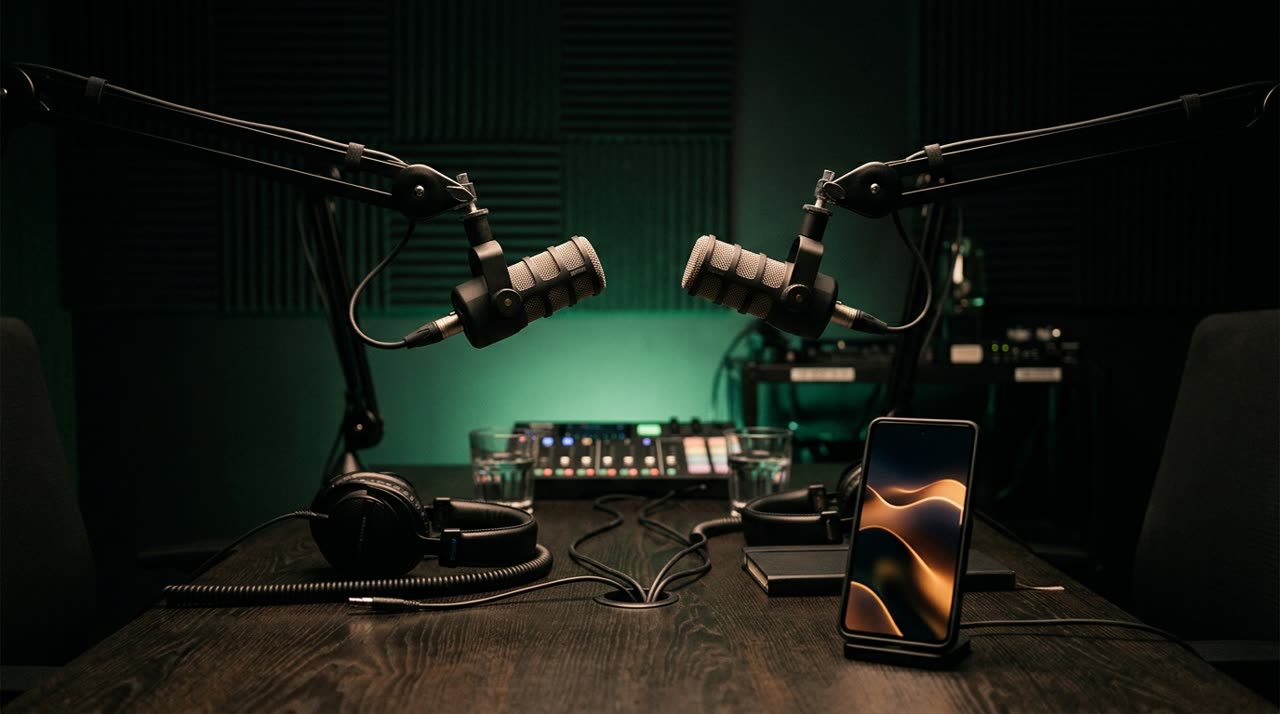
How to Make Viral Podcast Clips: Start with the Segment, Not the Editing
Everyone wants to know how to make viral podcast clips and jumps straight to the flashy stuff: zooms, colorful captions, music. But what really keeps viewers hooked isn’t the effects — it’s which segment you choose. A two-hour episode usually has five or six moments that stand on their own. The rest is context that only makes sense if you’ve heard the whole thing.
In this guide, you’ll learn how to find those moments, craft the right hook, and finish with captions that match the speech rhythm — all with the help of an AI-powered clip studio that does the heavy lifting for you.
What Makes a Podcast Clip Stick
Before the tool, the principles. A good podcast clip has three things.
- It’s self-contained. Someone who hasn’t heard the episode understands the segment from start to finish. No "like I said before," no answering questions that aren’t included.
- It hooks within the first 3 seconds. The opening line needs to spark a question in the viewer’s mind. "I’ve never told this to anyone" hooks; "so, going back to what we were saying" doesn’t.
- It delivers a payoff. The segment builds tension and resolves it. Clips that only set up and then disappear leave people frustrated, not curious.
Keep these in mind, and the rest is execution.
How to Identify a Self-Contained Segment
Listening manually, look for moments when the guest shifts tone: a personal story, a controversial opinion, a surprising number, a turning point in the conversation. Mark where the idea really starts (not mid-sentence) and where it ends. That clean cut is half the work.
The tedious part is doing this for a whole episode. That’s where AI comes in: instead of scrubbing through two hours, the studio transcribes everything, understands the topic, and suggests the best moments already clipped at sentence boundaries.
Making Podcast Clips with AI in Picotta
In Picotta, the process is straightforward: upload your episode or paste the link (YouTube, Vimeo, and other long video sources) and the studio returns ready-to-post 9:16 segments — the AI decides how many clips the episode yields (ranked by viral score), or you can lock an exact number in Custom mode.
Under the hood, the AI curation scores each candidate across four dimensions — hook, turning point, self-sustainability, and shareability — and cross-references real signals like the most rewatched moments. The result is a score per clip, so you start with the strongest instead of guessing.
Hook: Automatic or Your Own
Every clip needs an opening that holds attention. You can use the automatic hook (AI writes the headline based on the clip) or write your own. The hook bar appears in the first seconds and fades out naturally, matching a real editor’s pace.
Captions That Follow the Speech
Podcasts are all about speech, and speech without captions loses viewers on mute. Picotta generates automatic captions word by word, synced to the audio, in styles you pick from a visual gallery (impact, karaoke, clean, and more). You preview exactly how it looks before exporting.
Face Reframe and Clean Cuts
Two details that separate amateur clips from ready-to-post:
- Face reframe: the 9:16 framing follows whoever’s speaking instead of locking on center. In two-person talks, the studio automatically stacks both speakers.
- Clean cuts: pauses and fillers ("uh... so... let me see") are removed during generation, keeping the clip at the pace platforms favor.
Comparing with Other Tools (Honestly)
Tools like OpusClip, Vizard, and Brazil’s Cut.Pro do AI clips well, with years of publishing features and integrations. If your workflow depends on those, they work.
Where Picotta stands out for podcasters in Brazil:
| Feature | Picotta |
|---|---|
| Price | In Brazilian Real, on card — no surprise dollar conversions on your bill |
| Reframe | Frames the speaker’s face, stacks two guests |
| Pace | Clean cuts remove pauses during generation |
| Live podcasts | Live monitor clips automatically when the stream ends |
| Visuals | No "AI look" — editor-style templates and captions, not generic generator styles |
For a deeper dive, see the 2026 clip generator comparison and the Cut.Pro vs Picotta side-by-side.
One Episode, Content for a Whole Week
The biggest win isn’t one clip — it’s volume. From one episode, you get ten or more segments, each ready for TikTok, Reels, and Shorts, with title, caption, and niche hashtags already suggested. You post throughout the week and turn the whole episode into reach.
For weekly recordings or live shows, the live monitor watches your channel and queues clips as soon as the stream ends — you wake up to ready content. And if you edit for others, you can scale this as a service; see agency clips.
Quick Podcast Clip Checklist
- Segment starts and ends with a complete idea
- Hook within the first 3 seconds
- Has a payoff (not just setup)
- Captions synced and readable on mute
- Framing on the speaker’s face
- Pauses removed (clean cut)
Want to dive deeper on hooks and pacing? The guide how to make viral clips covers that, and the Picotta blog has more niche-specific content.
Conclusion
Knowing how to make viral podcast clips really means choosing the right segment and presenting it well: a moment that stands alone, an honest hook, and captions that match the speech rhythm. Picotta’s AI does the mining and finishing; you keep the editorial control and get ready-to-post content.
Start clipping your next episode now — create your free account and turn a long conversation into clips people watch all the way through.
Pronto pra picotar o seu próximo vídeo?
Cole o link e receba cortes prontos pra postar. Grátis pra testar.
Comece a picotar →Sem cartão de crédito. Cancele quando quiser.