Video Clips for Sports Channels and Commentary
Game highlights and reactions become energetic short clips with captions. See how a sports channel produces clips all day long.
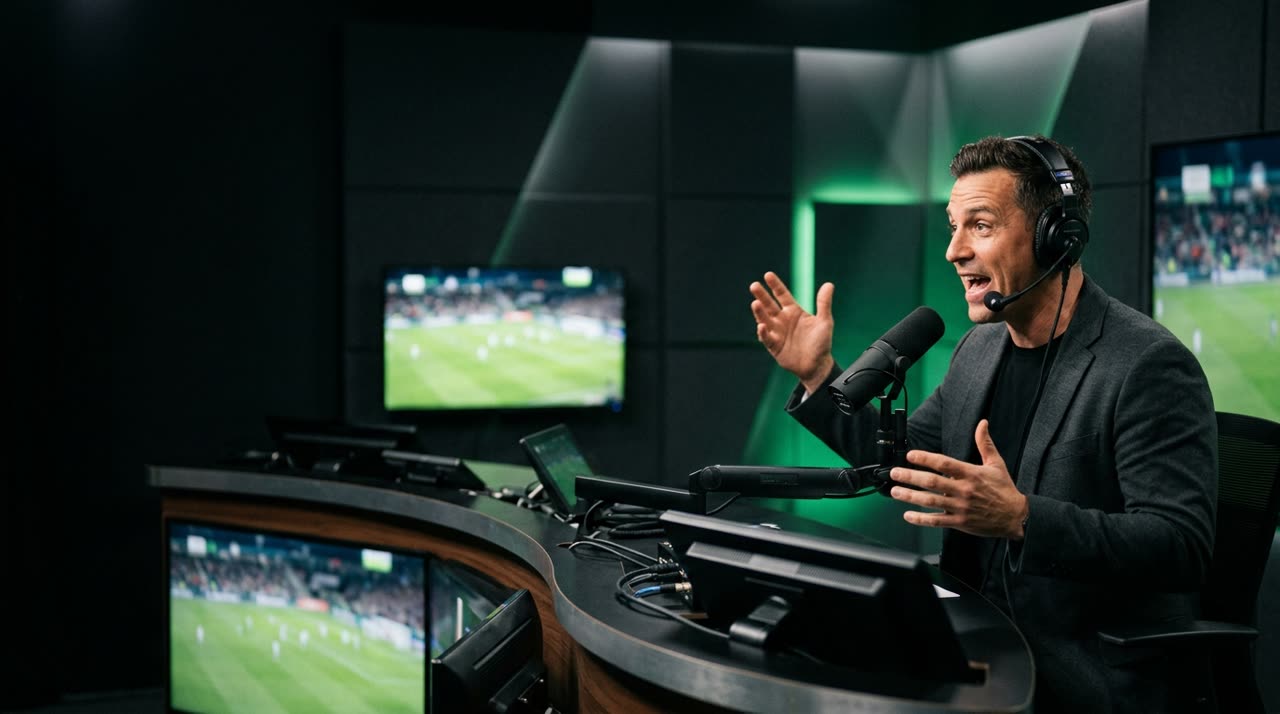
Video Clips for Sports: Where the Excitement Is Already There
Few niches deliver content as good as sports. The commentator explodes on a goal, the analyst disagrees, the crowd cheers — and all of this happens within a two- or three-hour broadcast. The problem has never been a lack of content. It’s the time it takes to find the right moment and turn it into a vertical clip with rhythm.
This is exactly where sports video clips change the game for your channel: instead of rewatching the entire match looking for the highlight, you let the clip studio find the energy peak and cut the segment already with captions, framing, and format ready for Reels, TikTok, and Shorts.
Why Sports Is the Ideal Niche for Clips
A clip that keeps viewers engaged relies on a pattern break: a goal shout, a VAR controversy, a sharp analyst response. In a sports broadcast or a roundtable show, these moments are frequent and clear.
- Commentary reaction: the "GOAL" shout and voice explosion are almost perfect highlight markers.
- Debate and opinion: roundtable and post-game shows generate short, self-contained, emotional segments.
- Strong visual context: replays, celebrations, and crowd shots bring energy to the image even in vertical format.
In short: sports have audio and visuals charged simultaneously — the raw material that makes a clip work.
How Picotta Handles Highlights and Reactions
Picotta is a clip studio that processes the entire broadcast, transcribes it, finds the best moments, and delivers multiple ready-to-post 9:16 clips. Some features are especially helpful for those working with sports and commentary:
Curation by Energy Peaks
The engine measures the audio energy peaks in the broadcast — laughter, excitement, the commentator’s shout — and uses these signals to identify the best moments. In a sports show, the clip is born exactly where the voice rises. When the source is YouTube, the "most rewatched" points also count.
Automatic Face Reframe for Commentators
In roundtable shows, the automatic reframe follows the speaker’s face. If two commentators debate, Picotta can stack them in a split screen; if it’s just one, the framing follows them. The highlight comes out well framed in vertical without you having to crop frame by frame.
Captions with Energy
The automatic captions come in styles like impact, karaoke, and neon, with animated entrances. In sports, this matters: much of the audience watches without sound, and captions that pulse in sync with the commentary keep viewers hooked until the end.
Clean Cuts, No Dead Air
The clean cuts feature automatically removes pauses and silences. Sports commentary has a lot of breathing and "uh... so..." moments. Cutting these out keeps the clip direct and at the pace favored by the platforms.
Live Monitor That Cuts Automatically
Do you do live analysis or game reaction streams? The live monitor watches your channel on YouTube, Twitch, and Kick and, when the live ends, queues the clips — you wake up with the best moments ready. It’s a feature few competitors offer.
A Real Workflow for Sports Channels
A practical way to set up your production:
- Upload the VOD or paste the link from the broadcast (YouTube, Twitch, Rumble, and other long video sources).
- Choose the sports genre (or let the AI detect it) to calibrate the curation.
- Enable face reframe and clean cuts for roundtable shows; set captions to impact style.
- Receive the vertical clips, review them in the Studio editor, and download all.
- Publish adapting the caption for each platform — the "ready to post" kit already suggests title, caption, and niche hashtags.
| Situation | What to Enable in Picotta |
|---|---|
| Post-game / roundtable | Face reframe, clean cuts, impact captions |
| Play-by-play commentary | Energy curation, karaoke captions |
| Reaction live stream | Live monitor (cuts after broadcast ends) |
| Split screen / sports gameplay | Stacked framing (content + camera) |
Picotta vs Competitors, Straightforward
Tools like OpusClip, Vizard, and Klap are very good and mature — no point pretending otherwise. They handle automatic clipping well and have years of experience. Where Picotta stands out for sports creators in Brazil:
- Pricing in Brazilian real, charged on card — no surprise dollar conversion on your bill.
- Live monitor that cuts automatically when the broadcast ends (great for live reaction streams).
- Face reframe and clean cuts included in the workflow, not hidden extras.
- Interface without an "AI look": a clean clip studio, not a dashboard full of effects.
If you want to dive deeper into comparisons, check out our best AI clip generators comparison and Cut.Pro vs Picotta. If you’re starting from scratch, the guide on how to make viral clips explains the hook, payoff, and rhythm logic that applies directly to sports.
Useful Beyond Just Sports
The same "find the peak and cut" logic serves streamers — including sports gameplay — and podcasters who host sports guests. Curious about plans and what each offers? See the pricing.
Start Clipping
Sports already deliver the moment; all that’s left is turning it into a clip. Upload your next broadcast, let Picotta find the highlights and reactions, and publish while the topic is still hot.
Start clipping and turn your broadcast into the sports clips your channel needs.
Pronto pra picotar o seu próximo vídeo?
Cole o link e receba cortes prontos pra postar. Grátis pra testar.
Comece a picotar →Sem cartão de crédito. Cancele quando quiser.