Video Clips for Nutritionists and Health Tips
How nutritionists turn long content into short clips with captions and custom branding — without becoming video editors.
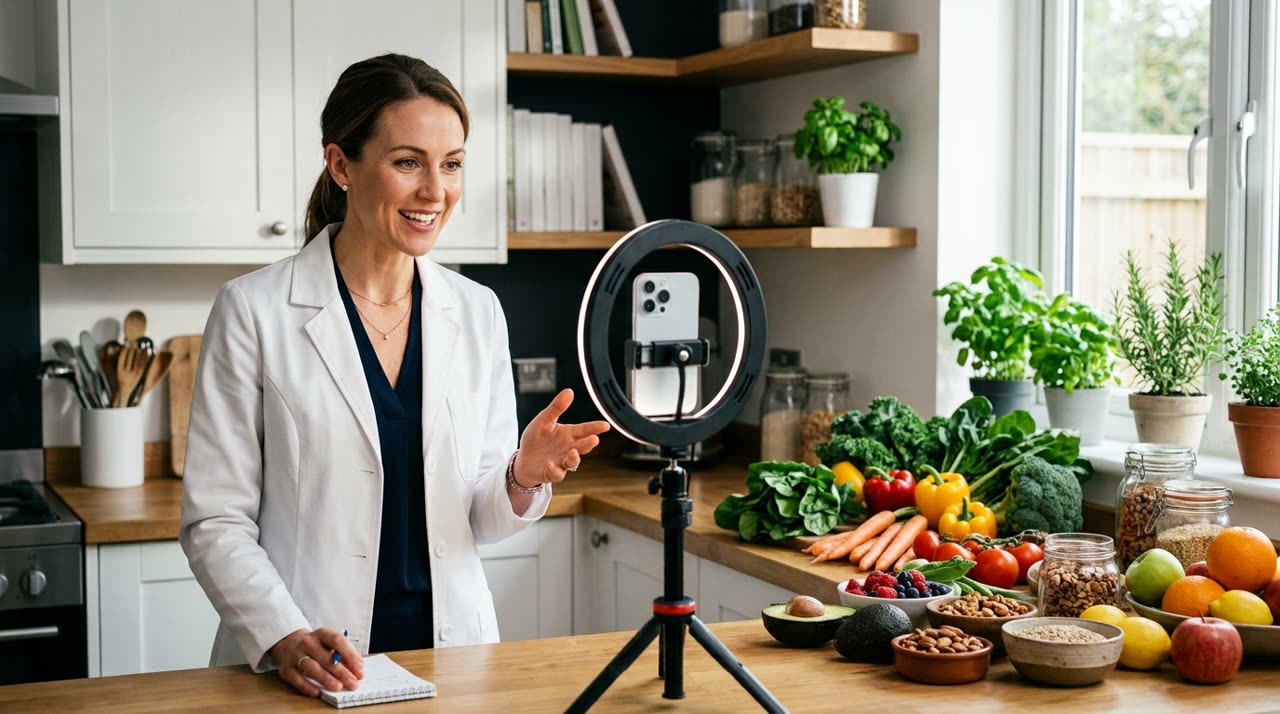
Video Clips for Nutritionists: Health Content That Fits the Feed
If you’re a nutritionist and have recorded a live Q&A, a podcast episode, or even an audio explaining why that trendy diet doesn’t work, you’ve got gold sitting there. Video clips for nutritionists means taking that long content and chopping it into short, vertical clips with captions and your branding — the format Instagram, TikTok, and Shorts push.
The usual problem: editing this manually takes the whole afternoon. And your time is better spent consulting, not stuck in an editor timeline. That’s where an AI-powered clip studio steps in to do the heavy lifting while you work.
Why Short-Form Works for Health and Nutrition
Nutrition content thrives on clear tips: “3 protein sources for your lunch,” “why you get hungry at night,” “the myth about carbs after 6pm.” Each tip fits into a 30 to 60-second clip.
- Authority: short clips with captions build credibility and are easy to save/share.
- Reach: algorithms favor short vertical videos with high retention.
- Lead generation: someone who discovers you in a 40-second clip becomes a follower — and followers become patients.
The key is volume with consistency. A 40-minute live easily turns into 8 to 12 clips — a whole week of posts from just one recording.
What Picotta Does for You (Real Features)
Picotta is an AI clip studio designed for Portuguese content creators. Upload your video (or paste a YouTube link), the AI transcribes, finds the best moments, and delivers ready-to-post 9:16 clips. What matters for your niche:
- Automatic captions synced in multiple styles — essential since most watch without sound.
- Custom branding: your logo, colors, handle, and watermark on the clip. Your clips look like YOU, not a generic template.
- Face reframing: vertical framing follows your face as you speak, never cutting off your head.
- Clean cuts: AI removes pauses and silences, keeping the clip’s pace tight — no “uhhs” or long breaths.
- Viral score: each clip gets a rating so you can post the highest potential ones first.
- Ready to post: suggested titles, captions, and hashtags tailored to your niche.
All without opening an editor. Review, tweak in the built-in editor if you want, then download.
Step-by-Step for Your Nutrition Workflow
- Record once, get a lot out of it. A Q&A live, a video explaining a meal plan, a chat with a colleague — any dense content works.
- Upload or paste the link into the studio — the AI decides how many clips the video yields, or you can lock an exact number in Custom mode.
- Let the AI cut it. It transcribes, selects moments with hooks and payoffs, and creates clips.
- Review and customize. Adjust captions, change styles, confirm branding.
- Download and schedule for Instagram, TikTok, and Shorts.
If you want to understand what makes a clip hold attention versus one that gets ignored, check out our guide on how to make viral clips — the principles of hook and rhythm apply just as well to health tips.
Content Ideas That Yield Clips
| Long Format | Number of Clips | Clip Examples |
|---|---|---|
| Q&A Live (40 min) | 8–12 | “Are eggs bad?”, “How many meals a day?” |
| Podcast/Interview (1h) | 12–18 | Myths, patient stories, simple science |
| Recorded Class/Webinar | 6–10 | Step-by-step meal plan, label reading |
| Behind the Scenes at Clinic | 3–6 | Routine, before/after with consent, quick tips |
Brand tip: keep a consistent identity (same logo, caption color) so your clips are instantly recognizable in the feed.
How Picotta Compares to Other Tools
Tools like OpusClip, Klap, and Cut.Pro are solid and deliver on their promises — check out our market overview in best AI clip generators comparison. Honestly, where Picotta usually wins for Brazilian users:
- Pricing in Brazilian Real, charged on your card — no surprise dollar conversions.
- Face reframing and clean cuts included by default, not hidden extras.
- Live monitor: if you do recurring lives, Picotta detects when they end and prepares clips automatically.
- No “AI look”: clips look clean and professional, with your branding front and center.
For a direct comparison, see Cut.Pro vs Picotta. If you serve other clinics or health brands, you can scale this as an agency or use the same engine that serves podcasters.
Is It Worth It?
For nutritionists, the bottleneck is never ideas — it’s time to edit. Automatic clips solve exactly that: record as part of your routine and get a week’s worth of captioned, branded content ready to post. Health content needs consistency to build trust, and consistency only happens when the process is easy.
You can even turn this into extra income: refer colleagues through the affiliate program or create clips for others. Find more resources on our blog and check plans on pricing.
Start clipping your next nutrition video today and see how many clips come from one recording: create your account.
Pronto pra picotar o seu próximo vídeo?
Cole o link e receba cortes prontos pra postar. Grátis pra testar.
Comece a picotar →Sem cartão de crédito. Cancele quando quiser.