Video Clips for Dentists and Dental Clinics
A long dentist video becomes a week’s worth of oral health Reels, complete with clinic branding and automatic captions.
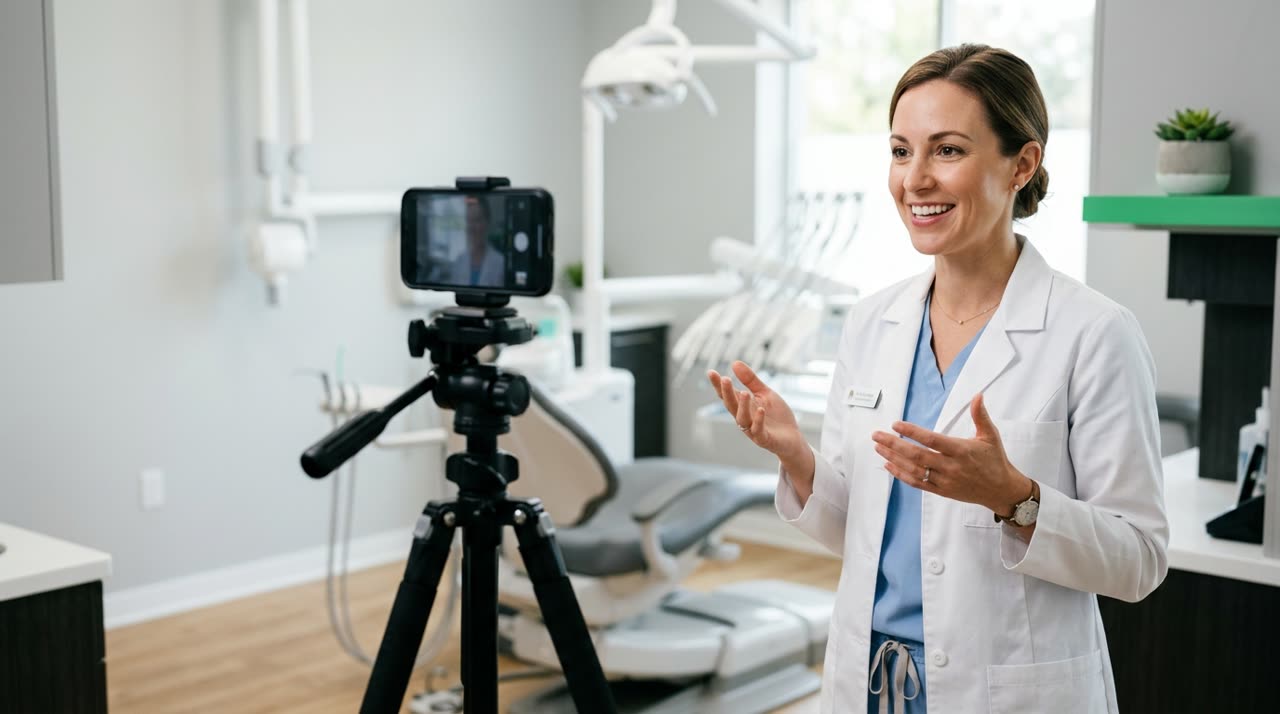
Video Clips for Dentists: Establish Your Clinic’s Authority with Short Reels
People searching for a dentist on Instagram aren’t looking for a flyer. They want trust. And trust is built by showing the professional’s face explaining something simple: why do sensitive teeth hurt with cold, does whitening damage enamel, when to replace your toothbrush. The problem is always the same: the dentist records ten minutes of good content but doesn’t have time to edit. That’s where video clips for dentists come in — taking that long video and slicing it into several short Reels, each with a self-contained tip.
Picotta is a clip studio built for this. Upload your long video (or paste the link), the AI finds the best moments and delivers ready-to-post 9:16 vertical clips for Reels, TikTok, and Shorts — with your clinic’s branding, automatic captions, and face reframing.
Why Clip Format Works for Dentistry
Oral health is a topic that constantly raises questions. Each question is a Reel. One single office video answering patient questions can generate weeks of content if properly clipped.
- Educates and sells at the same time: free tips show expertise, and expertise books appointments.
- Organic reach: social algorithms favor short vertical videos with high retention.
- Scale without recording more: one long video per week feeds your entire feed.
The secret isn’t recording more. It’s making better use of what you’ve already recorded.
What the Clinic Can Clip
There’s no shortage of raw material in a dental office’s daily routine:
- Quick tips: “Is an electric toothbrush worth it?”, “Floss before or after brushing?”.
- Myths and truths: whitening, fluoride, wisdom teeth, bleeding gums.
- Behind the scenes and procedures (with patient consent and ethical respect).
- Frequently asked questions the reception hears every week.
- Live streams and webinars about oral health, orthodontics, or implants.
Record everything at once, upload to Picotta, and let the studio find the clips that engage.
How a Clip Looks with Your Clinic’s Branding
Each clip can carry your clinic’s identity, not generic. Picotta features that make a difference here:
| Feature | What It Does for the Dentist |
|---|---|
| Clinic branding | Name, @handle, and seal on the clip card — each Reel reinforces your clinic |
| Automatic captions | Most watch without sound; captions keep the tip readable |
| Face reframing | The 9:16 clip follows the dentist speaking, no chopped-off head |
| Clean cuts | Removes pauses and silences — tips get straight to the point |
| Post themes | Card with clinic name and photo at the top of the video |
The face reframing is especially useful when the camera is fixed and you move in the chair: instead of a fixed frame cutting off half your face, Picotta follows the speaker. And the clean cuts remove “uhhh”s and long pauses — a 40-second tip becomes 25 seconds that hold attention.
Captions That Respect Technical Vocabulary
Terms like “bruxism,” “periodontitis,” or “composite resin” need to appear correctly on screen. The automatic captions come word-for-word synced, and you can edit the text in the editor before downloading without using extra credits — fix a term, adjust the hook, and you’re done.
Picotta Compared to Other Tools
To be honest: tools like OpusClip are very good and have years of experience. If you’re comparing options, check out our best AI clip generators guide and the unbiased Cut.Pro vs Picotta comparison.
Where Picotta usually wins for Brazilian clinics:
- Pricing in Brazilian Real, on card — no dollar conversion, no surprises at month’s end.
- Face reframing and clean cuts delivered without any setup.
- Live monitor — if your clinic does live webinars on YouTube, Picotta clips automatically when the stream ends.
- No “AI look” — clips come with your clinic’s branding, clean, not a generic template everyone uses.
No tool replaces good content. But Picotta removes the editing bottleneck, where most dentists get stuck.
A Simple Weekly Workflow for Your Clinic
- Record once a week: 8 to 15 minutes answering patient questions.
- Paste the link or upload the file to Picotta and select your clinic’s branding.
- Receive vertical clips with captions and face reframing.
- Review and adjust caption text or hook in the editor.
- Post on Instagram, TikTok, and YouTube throughout the week.
Want to dive deeper into the creative side? The guide how to make viral clips explains hooks, payoffs, and pacing — useful for any niche, including health.
If your clinic works with an agency or has an in-house social media manager, this model scales easily for multiple clients — see the agency clips page. And if you produce a lot of educational audio content, the same applies to podcasters.
Is It Worth It for Your Clinic?
It’s worth it when the dentist understands that digital presence books appointments. Short, educational content is what brings patients closer to professionals today. Picotta just handles the boring part: turning long videos into multiple ready clips, branded, without spending hours editing.
You can try the free plan (with watermark) and check the pricing when you want more volume and a fully clean brand. Picotta also has an affiliate program: refer new users and earn a cash commission (via Pix) when they subscribe.
Want more content and editing ideas? The Picotta blog has niche guides and comparisons.
Start clipping your clinic’s content now. Create your account and turn one long video into a week of oral health Reels.
Pronto pra picotar o seu próximo vídeo?
Cole o link e receba cortes prontos pra postar. Grátis pra testar.
Comece a picotar →Sem cartão de crédito. Cancele quando quiser.