Video Clips for Info-Product Creators and Launches
Your classes and launch lives already have the best top-of-funnel content. They just need clipping.
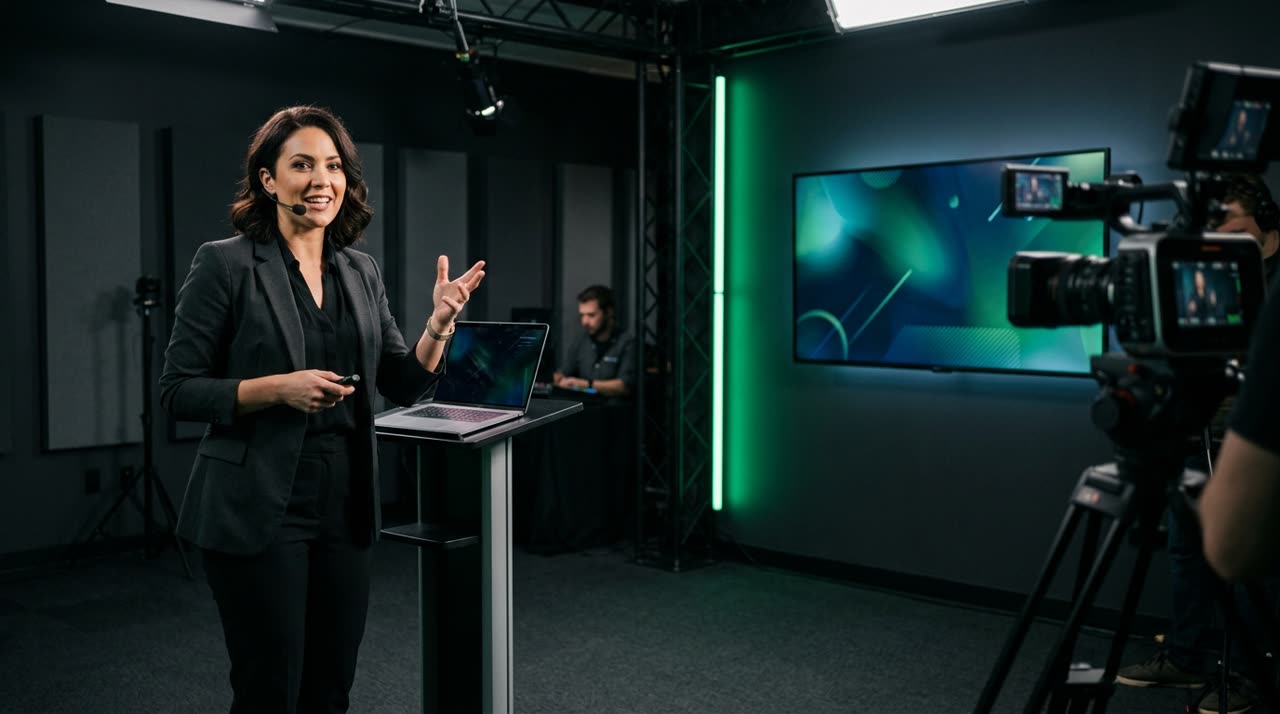
Video Clips for Info-Product Creators: The Top of the Funnel You Already Recorded
Every info-product creator is sitting on a goldmine of content without realizing it. That 90-minute free class, the cart opening live, the sales webinar, the 5-day challenge — each of these long videos holds dozens of powerful moments. Video clips for info-product creators is exactly the process of extracting those moments and putting them back at the top of the funnel, where they attract new people and warm up those already around.
The problem has never been a lack of material. The issue is that clipping everything manually during a launch is unfeasible. Picotta exists to solve this: you upload the entire class or live to the clip studio and get ready-to-use 9:16 clips with captions and face framing.
Why Clips Work So Well in Launches
A launch thrives on repetition with variety. The same promise needs to appear many times, from different angles, without getting tiresome. Clips deliver this effortlessly:
- Constant top of funnel. Each clip from a class is a new hook for Reels, TikTok, and Shorts — people who’ve never heard of you discover your content.
- Proof before the offer. A clip where you clearly explain a concept is worth more than any "join my course" ad.
- Warming up your base. Followers revisit your best moments and arrive at cart more convinced.
- Infinite reuse. A two-hour live can become 15 to 20 clips spread over weeks.
Clipping doesn’t replace paid ads or email marketing. It feeds the top so the rest of the funnel has people to work with.
What to Clip at Each Launch Stage
Pre-launch (classes and free content)
Here the goal is audience. Clip moments where you deliver a complete idea in 40 to 60 seconds: a common niche mistake, a counterintuitive insight, a micro-story. These self-contained clips circulate on social media and bring new followers.
Launch Lives (cart opening and closing)
Lives are dense and long — perfect for clipping. Sales hooks, objection handling, spontaneous student testimonials in chat: all become clips. Picotta has a live monitor that watches your YouTube, Twitch, or Kick channel and queues clips as soon as the broadcast ends. You finish the live, and the best moments appear on your dashboard without lifting a finger.
Post-launch (evergreen content)
The cart closes, but the content lives on. The same clips become top-of-funnel material for the next cycle. Good launch content has a long shelf life.
How Picotta Fits Into the Info-Product Creator’s Workflow
The studio handles the heavy editing so you don’t get stuck mid-campaign:
| Feature | What It Solves in Launches |
|---|---|
| AI Curation | Finds the best moments in your class/live without you reviewing 90 minutes |
| Face Reframe | 9:16 clips follow the speaker — no chopped heads in vertical videos |
| Clean Cuts | Removes pauses and silences, keeps clips paced for social media |
| Auto Captions | Captions that engage (most watch without sound) |
| Live Monitor | Clips from your launch live ready as soon as it ends |
| Your Branding on Clips | Logo, name, and post theme included so clips carry your identity |
And importantly for those operating in Brazil: billing is in BRL on your card, no foreign currency hassle. No "AI face" on clips — they come out polished, not generic templates.
Picotta vs. Foreign Tools: Where Each Shines
Tools like OpusClip, Klap, and Vizard are good and helped open this market — we acknowledge that. If you want an in-depth comparison, we have an honest comparison of the best AI clip generators and a Cut.Pro vs Picotta review.
Where Picotta stands out for Brazilian info-product creators:
- Pricing and billing in BRL on card — no dollars, no surprise taxes.
- Native live monitor — essential for live launches.
- Face reframe and clean cuts that respect speech rhythm.
- Clean aesthetics, no generic auto-generator look.
No tool thinks through your strategy for you — but Picotta removes the editing bottleneck so you can focus on your offer.
Start With What You Already Have Recorded
Don’t wait for your next launch. Grab your last free class or live and start clipping now. If you work with clients, you can scale this as a service — see how agencies use clips to serve multiple launches. To understand the mechanics of an attention-grabbing clip, the guide on how to make viral clips covers hooks, payoff, and pacing. And if you want to bring other info-product creators to the platform, the affiliate program turns referrals into revenue.
Check out plans on pricing and read more on the blog.
Start clipping — create your account and turn your next class into top-of-funnel content.
Pronto pra picotar o seu próximo vídeo?
Cole o link e receba cortes prontos pra postar. Grátis pra testar.
Comece a picotar →Sem cartão de crédito. Cancele quando quiser.