Video Clips for Lawyers on Social Media
How lawyers build authority on social media with short clips from live streams, classes, and interviews — without becoming video editors.
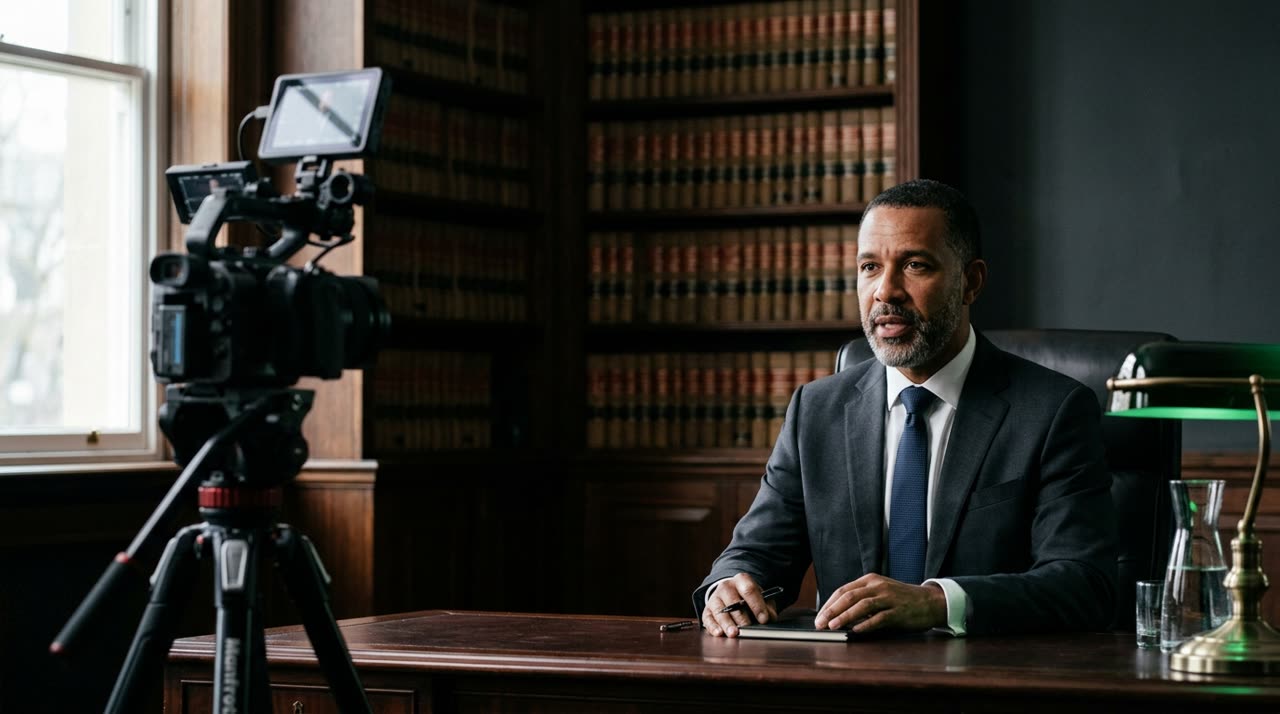
Video Clips for Lawyers: Building Authority with Short Clips
You’ve already answered the same client question ten times. You’ve given interviews, joined live streams, recorded classes. All that material speaks for you — but it’s stuck in a one-hour file no one watches all the way through. Video clips for lawyers solve this: they take the moments where you were clear, direct, and helpful, and turn them into 30 to 60-second clips ready for Instagram, TikTok, and YouTube Shorts.
In law, authority isn’t declared — it’s shown. And the fastest way to show it today is by appearing and explaining well, briefly, in the feed of people looking for answers. This guide shows how to do that using content you already create, without becoming a video editor.
Why Short-Form Works for Law
People seeking legal guidance want clarity, not legal jargon. A short clip forces the essentials: one question, one answer, one example. That’s exactly the format where a good lawyer shines.
- Trust before contact: viewers who watch three of your clear clips come to your office ready to hire.
- Reach without new scripts: a one-hour live turns into ten or more clips. You speak once and post all month.
- Proof of expertise: clips by topic (labor, family, consumer law) show focus and become your showcase.
Note OAB Provision 205/2021 and the Code of Ethics: informing is allowed, client solicitation and promising results are not. Stick to educational content — general guidance, not case-specific advice.
Where to Get Clips (You Already Have the Material)
Most lawyers think they need to "record content." They don’t. The best material already exists:
| Source | What It Yields |
|---|---|
| Lives and webinars | Spontaneous answers to real audience questions |
| Interviews and podcasts | Your opinions on cases and legal changes |
| Classes and lectures | Well-structured explanations |
| Recorded meetings (with consent) | Frequently asked questions explained calmly |
The work isn’t recording more — it’s finding the best minutes within what’s already been said. That’s where a clipping studio comes in.
How Picotta Does the Clipping for You
Picotta is a clipping studio: you upload the long video or paste the link (YouTube, Vimeo, Twitch, and more), and the AI transcribes, finds the strongest moments, and delivers vertical 9:16 clips ready to post. What changes for a lawyer’s daily routine:
- Automatic captions: many watch without sound. Burned-in captions keep your explanation readable in the feed — essential for legal terms.
- Face reframing: framing follows the speaker, so you stay centered even in horizontal videos. A lecture podium becomes a vertical clip without cutting off your head.
- Clean cuts: silences and pauses disappear, keeping the explanation engaging — no dragging that makes viewers scroll away.
- Titles, captions, and niche hashtags: each clip comes with suggested post text, saving you time.
- Your branding on the clip: name, @handle, and topic badge in the header, so every share carries your firm’s identity.
If you want to understand how to choose hooks, payoffs, and pacing, check out our guide on how to make viral clips — the same principles apply to legal content, just more sober.
A Realistic Weekly Workflow
- Host a 40-minute live answering follower questions.
- Upload the video to Picotta and request clips.
- Review the clips (make sure nothing became "case advice" or promises).
- Post three to five clips per week, alternating topics.
One day of recording turns into weeks of presence. That’s the real gain.
Live Monitor: For Regular Broadcasts
If you have a fixed live schedule — like a "Tuesday Q&A" — Picotta’s live monitor tracks your channel and, when the stream ends, automatically queues the clips. You finish the live and shortly after receive ready clips in your dashboard, no manual uploads needed. It’s the difference between "planning to clip" and actually having clips.
Picotta vs. Alternatives: An Honest Comparison
Tools like OpusClip, Klap, and Vizard are competent and helped popularize automatic clipping — fair to acknowledge. We’ve done detailed comparisons in best AI clip generators and Cut.Pro vs Picotta so you can decide calmly.
Where Picotta often stands out for Brazilian users, including lawyers:
- Pricing in BRL, on card: charged in Brazilian real, no dollar conversion or surprises.
- Live monitor: effortless clipping of fixed broadcasts.
- Face reframing and clean cuts tuned for talk-heavy content — typical for legal explanations.
- No "AI look": clips look hand-edited, not generic templates — crucial when your image is a serious professional.
Quick Questions
Do I need to know video editing? No. Upload your material and review the results.
Can I try before paying? Yes, the free plan delivers clips with watermark for evaluation. See plans and pricing.
Is it suitable for firms and teams? Yes. For those serving multiple clients or producing volume, the agencies page shows how to scale clips per client.
Conclusion
Your expertise is already recorded somewhere — a live, a class, an interview. It just needs to be highlighted. Video clips for lawyers turn that archive into constant presence and real authority, within professional ethics. You speak once; Picotta finds the best minutes and returns ready clips.
Grab your next video, paste the link, and see what comes out. Start clipping with the free plan and turn one hour of content into a week of posts.
Pronto pra picotar o seu próximo vídeo?
Cole o link e receba cortes prontos pra postar. Grátis pra testar.
Comece a picotar →Sem cartão de crédito. Cancele quando quiser.