Video Clips for Politicians and Mandates
Speeches, hearings, and sessions become short clips with captions and mandate branding, ready to publish.
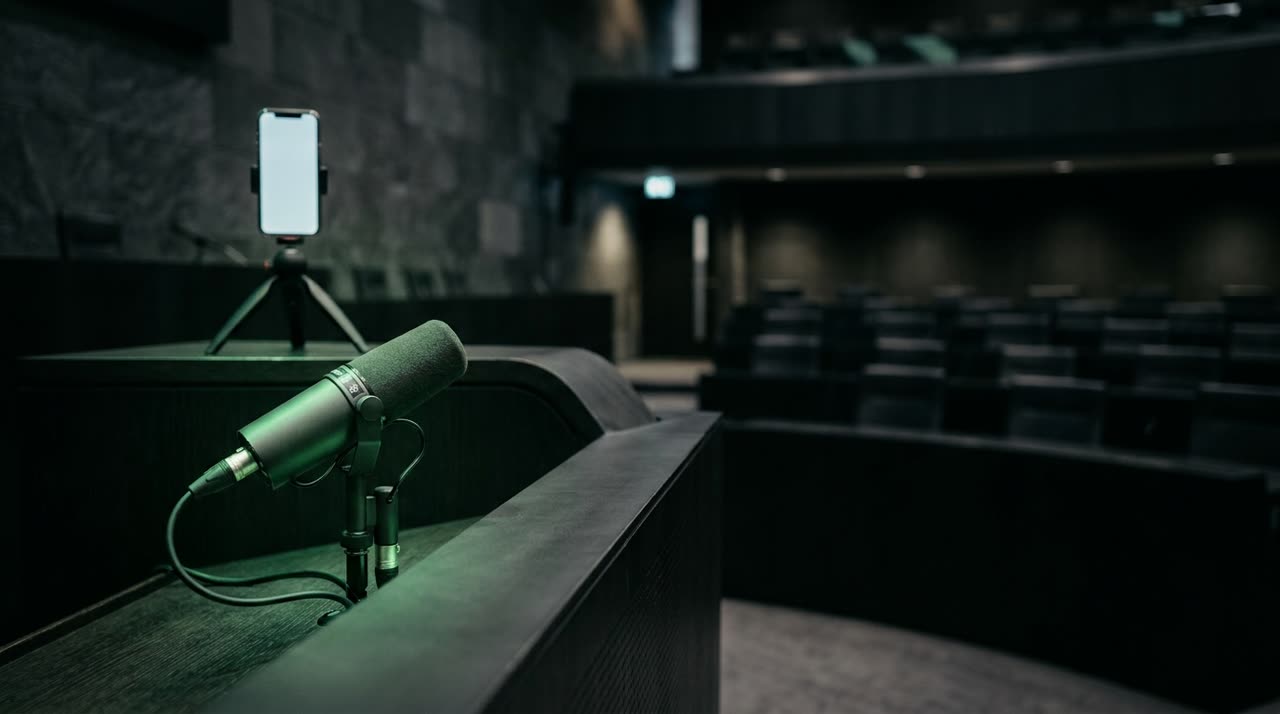
Video Clips for Politicians: Keeping Mandate Communication in the Social Media Flow
A floor speech lasts twenty minutes. A hearing, two hours. A council session, the whole afternoon. Almost no one watches until the end, but inside each of these recordings is a 30-second segment that explains a position, defends a cause, or responds to an attack. Video clips for politicians are exactly that: finding that segment and delivering it ready to publish, with captions and the mandate’s identity.
In this guide, we show how a long mandate video can become a week’s worth of content without a full-time editing team.
Why Short Clips Became the Language of Politics
The battle for attention is no longer just on TV or the podium. It happens in the feed. Those who communicate well with short videos:
- Explain a position before opponents set the narrative;
- Provide accountability with clear excerpts from sessions and votes;
- Appear frequently, which both the algorithm and voters reward;
- Archive the speech — captioned clips become a public record of what was said.
The problem was never a lack of material. It’s that manually turning each speech into ten clips takes hours the staff doesn’t have. That’s where a clip studio changes the game.
How Picotta Cuts a Speech or Hearing
With Picotta, the process is straightforward: upload the session video or paste the link (YouTube, Vimeo, and other long video sources), and the AI transcribes, finds the best moments, and returns several vertical 9:16 clips ready for Reels, TikTok, and Shorts.
Each clip includes:
- Automatic synchronized captions — essential in politics since most feeds play without sound and voters need to read what was said.
- Face reframing — the framing follows whoever is speaking. In hearings with multiple people at the table, the camera focuses on the speaker instead of leaving the politician lost in a wide shot.
- Clean cuts — pauses and silences are removed, so the speech is solid, without "uhs" or dead air from shuffling papers.
- Mandate branding — logo, name, and office handle applied to the clip, with post themes to give a distinct and recognizable look.
Hearings and Debates: Following the Speaker
Political debates often have multiple people in the same frame. The face reframing identifies who’s speaking and frames that person; when two figures discuss in an open shot, the clip can stack them vertically. The result looks like it was filmed for mobile, not a clumsy cut from an institutional broadcast.
Live Monitor: Cutting the Session Right After It Ends
Much of politics happens live — streamed sessions, accountability lives, interviews on channels. Picotta’s live monitor tracks the channel (YouTube, Twitch, Kick) and, when the broadcast ends, automatically queues the clips. The team wakes up the next day with the best moments ready, no one having stayed late scraping the recording.
This is invaluable during important voting weeks when speed defines who leads the public debate.
What to Publish from Each Type of Material
| Material | Clips to Produce |
|---|---|
| Floor speech | Position on an issue, response to criticism, key phrase |
| Hearing / interview | Tough questions answered, concrete data, moments of firmness |
| Session / vote | Vote justification, project defense, accountability |
| Street agenda / event | Voter contact, announcements, behind-the-scenes moments |
The secret is frequency with visual consistency. Ten clips with the same branding, captions, and tone build recognition — voters start identifying the mandate before reading the name.
Picotta vs. Other Tools, Straightforward
International tools like OpusClip and Vizard are good and mature — no denying that. Where Picotta wins for those working in Brazil:
- Billing in Brazilian real, on card — no dollar conversion, no surprises on the office bill.
- Native live monitor, ideal for sessions and official broadcasts.
- Face reframing and clean cuts standard, not hidden behind expensive plans.
- No “AI look” — the output respects the mandate’s identity instead of imposing a generic style.
For a detailed comparison, see Cut.Pro vs Picotta and the best AI clip generators of 2026 comparison. To sharpen editing skills, check the guide on how to make viral clips.
Responsibilities for Public Mandate Communication
Political communication carries extra responsibility. Two best practices:
- Preserve context. A clip shouldn’t reverse the meaning of a statement. Choose segments that stand alone and don’t distort what was said.
- Accurate captions. Automatic captions speed things up, but review proper names, numbers, and quotes before publishing — accuracy matters when words are a public record.
Also Useful for Staff and Agencies
If you serve multiple candidates or mandates, you can maintain a brand per client and cut their sessions at scale. This is the same approach we use for agencies and creators like podcasters — lots of long material in, lots of clips out. Those generating volume can also check the affiliate program terms.
Conclusion
Video clips for politicians aren’t a campaign trick — they’re the most efficient way to keep the mandate present, provide accountability, and respond quickly. Speeches, hearings, and sessions come in long; go out as short, captioned clips with the office’s branding, ready for the feed.
See plans and pricing, explore more ideas on the blog, and get started today.
Start clipping — upload your next speech to Picotta and watch your mandate turn into content.
Pronto pra picotar o seu próximo vídeo?
Cole o link e receba cortes prontos pra postar. Grátis pra testar.
Comece a picotar →Sem cartão de crédito. Cancele quando quiser.