9:16 Aspect Ratio: What It Is (1080×1920) and When to Use It
What is the 9:16 aspect ratio, why it dominates Reels, TikTok, and Shorts, and when 1:1 or 16:9 make more sense for your clip.
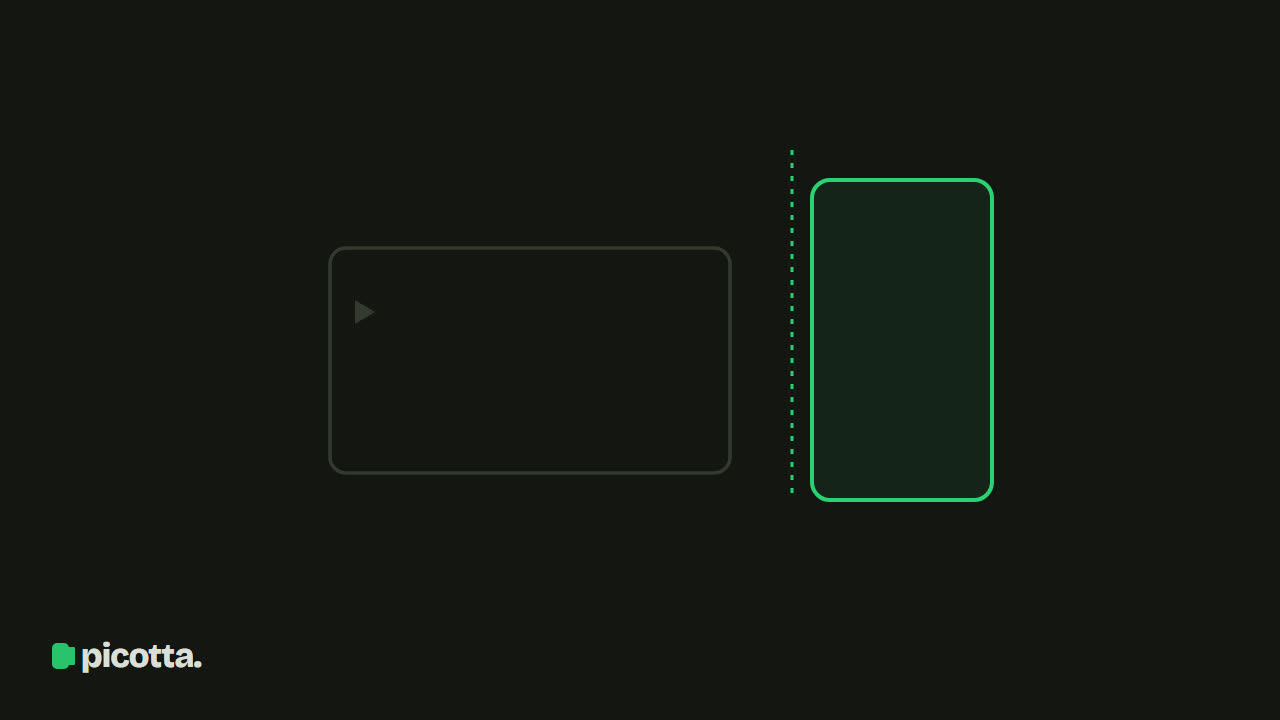
What is the 9:16 Aspect Ratio?
If you've ever wondered what is 9 16 aspect ratio, the answer is simple: it's the width-to-height ratio of a video where the height is greater than the width. For every 9 units of width, there are 16 units of height. This is the vertical format—the same as how we hold our phones all day. A typical 9:16 resolution is 1080 x 1920 pixels.
The aspect ratio defines the screen shape, not the quality. A 9:16 video fills the entire phone screen without black bars on top or bottom. That's why it became the standard for clips: it fills the field of view, holds attention better, and matches how people naturally hold their phones.
At Picotta's clip studio, 9:16 is the default aspect ratio because that's where clips perform best. But it's not the only option, and choosing the right one changes the reach of each piece.
Why 9:16 Dominates Clips
Vertical video isn’t a passing trend. It gained ground because three of the strongest content discovery platforms were built around it:
- TikTok: born vertical. The feed is full-screen vertical.
- Instagram Reels: vertical, full-screen, prioritized by the algorithm.
- YouTube Shorts: vertical, separate from long videos.
When you deliver a clip in 9:16, it:
- Fills the entire phone screen with no dead space.
- Fits the discovery formats of these three platforms without forced cropping.
- Leaves space for captions at the bottom without covering the speaker’s face.
That’s why clipping a long video almost always means creating vertical clips. The format is part of the result.
9:16, 1:1, and 16:9: The Differences
Not every clip needs to be vertical. Understanding the three main aspect ratios helps you decide case by case.
| Aspect Ratio | Format | Common Resolution | Best Use |
|---|---|---|---|
| 9:16 | Vertical | 1080 x 1920 | Reels, TikTok, Shorts, Stories |
| 1:1 | Square | 1080 x 1080 | Instagram feed, Facebook feed |
| 16:9 | Horizontal | 1920 x 1080 | YouTube (long videos), presentations, TV |
9:16 — The Vertical
This is the format with the widest reach today. If your goal is to appear in the discovery feed of TikTok, Reels, or Shorts, start here. It’s Picotta’s default and what delivers the best results for those who live off clips.
1:1 — The Square
The square ruled Instagram feeds for years. It still works well for mixed feed posts (images and videos) and Facebook feeds, where the square takes up more vertical space than 16:9. It’s a middle ground: looks decent on both phone and desktop.
16:9 — The Horizontal
16:9 is the classic TV and long YouTube video format. It’s not ideal for Reels or Shorts but makes sense when the clip will become a longer YouTube video, a website piece, or a segment for a presentation. If the original content is a shared screen (class, gameplay, slides), sometimes 16:9 preserves what matters better.
Which Aspect Ratio to Use on Each Platform
A practical summary to avoid mistakes:
- TikTok → 9:16
- Instagram Reels → 9:16
- Instagram feed (post) → 1:1 or 4:5
- YouTube Shorts → 9:16
- YouTube (long videos) → 16:9
- Facebook feed → 1:1
- Stories (all platforms) → 9:16
If you’re unsure about posting on multiple platforms, 9:16 covers the most ground: it works for the three main clip formats at once. That’s why it’s the starting point in Picotta’s editor, with 1:1 and 16:9 available when the destination calls for something else.
The Problem with Poorly Made Vertical Clips
Turning a horizontal video into 9:16 has a risk: cropping the sides and cutting off the speaker’s face. This is the classic mistake of bad automatic vertical cropping, where the person is half out of frame or centered on empty space.
Picotta solves this with face reframe: the 9:16 framing follows whoever is speaking instead of cropping a fixed center. When there are two people on screen, the clip can stack both. And for screen content (class, gameplay), the engine understands the layout and chooses the right framing instead of chopping off slides.
Along with that, clean cuts remove pauses and silences, keeping the rhythm tight, just like a human editor would. The right format is only the beginning; what holds attention is the framing and pacing inside it.
How Picotta Handles Aspect Ratios in Clips
In the workflow, you don’t need to think about pixels. When clipping a video, 9:16 is already selected, and you switch to 1:1 or 16:9 with a tap when the destination requires it. The reframe, automatic captions, and theme watermark adjust to the chosen aspect ratio.
If you want to dive deeper into what makes a clip work after getting the format right, check out the guide on how to make viral clips. And if you’re evaluating tools, we have a comparison of the best AI clip generators and an honest comparison in Cut.Pro vs Picotta.
Where Picotta Stands Out
Let’s be fair: tools like OpusClip and Cut.Pro do a good job generating vertical clips and have their strengths. Where Picotta shines for creators in Brazil:
- Pricing in Brazilian Real, on card — no dollar conversion or surprise charges.
- Live monitor — as soon as a live ends, clips are ready without you lifting a finger.
- Face reframe and clean cuts included, so vertical clips don’t come out crooked or dragged.
- No “AI look” — themes and watermark give clips a human editor feel, not a generic template.
This is especially useful for high-volume creators: streamers, podcasters, churches, and agencies who need ready vertical clips every day.
Frequently Asked Questions
What is the 9:16 aspect ratio? It’s the width-to-height ratio of a vertical video: 9 wide by 16 tall. In pixels, the common resolution is 1080×1920.
Is 9:16 vertical or horizontal? Vertical. Since the height is greater than the width, the video fills the phone screen held upright — the standard for Reels, TikTok, and Shorts.
What resolution is the 9:16 aspect ratio? 1080×1920 pixels is the standard. 720×1280 is a lighter alternative, and higher resolutions (2K/4K) get recompressed to 1080 by the platforms.
9:16 or 16:9, which is better? 9:16 for short vertical video (Reels, TikTok, Shorts). 16:9 for long-form YouTube, presentations, and horizontal screens.
Conclusion
To finally answer the question what is 9 16 aspect ratio: it’s the vertical format (1080 x 1920) that dominates Reels, TikTok, and Shorts because it fills the phone screen and fits discovery feeds. 1:1 works for Instagram and Facebook feeds, and 16:9 for long YouTube videos and horizontal screens. In most clipping cases, start with 9:16—and make sure the framing keeps everyone fully in the shot.
Want to see vertical done right with face reframe and the perfect aspect ratio for each platform? Start clipping for free. Also check out our plans and more content on the blog.
Pronto pra picotar o seu próximo vídeo?
Cole o link e receba cortes prontos pra postar. Grátis pra testar.
Comece a picotar →Sem cartão de crédito. Cancele quando quiser.