Eklipse vs Picotta: gameplay clips compared
Which clipping studio works best for gamers? We compare Eklipse and Picotta on stacked facecam, pricing in BRL, and live monitoring.
Eklipse vs Picotta: which one works better for gamers
If you create gameplay content and want to turn hours of live streams into Reels, Shorts, and TikTok clips, you’ve probably faced this question: Eklipse vs Picotta. Both are AI clipping studios, both promise to find the best moments automatically, but they solve the problem in different ways. Here’s an honest comparison, no made-up numbers, focused on those clipping gameplay with facecam.
What Eklipse does well
It’s worth acknowledging: Eklipse is one of the most well-known tools in the gaming niche abroad. It was born connected to the streaming world and has some clear strengths:
- Highlight detection by reaction — works well in shooter games and clutch moments, where the emotional peak is obvious.
- Native integrations with streaming platforms and a workflow designed to clip directly from the live stream.
- Large community and solid presence among streamers outside Brazil.
If your content is 100% in English and you’re already in their ecosystem, Eklipse does the job. It’s not a bad tool — it’s just made for a different audience.
Where Picotta wins for Portuguese-speaking gamers
Picotta is a Brazilian clipping studio, and that shows in practical decisions that make a difference for those producing gameplay for a Brazilian audience.
1. Stacked facecam (the layout gameplay needs)
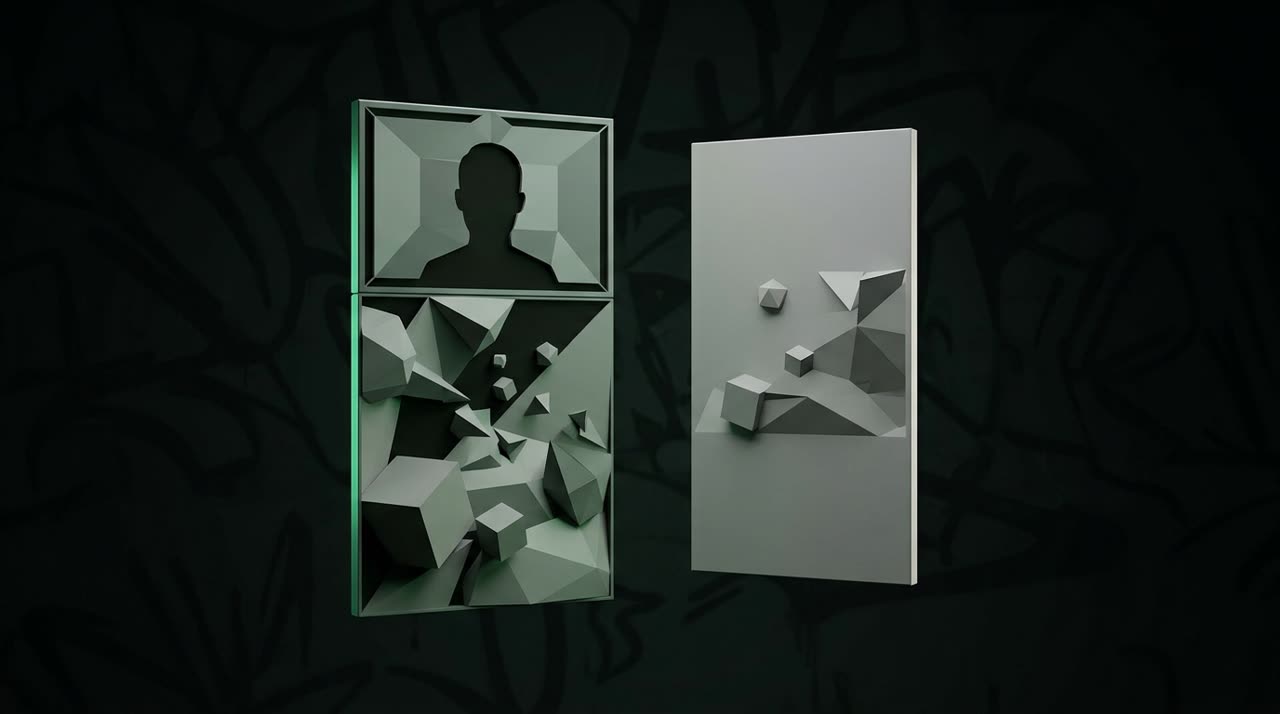
Game clips have a classic problem: the game matters and your reaction matters. Squeezing both into a 9:16 frame looks bad. Picotta solves this with stacked framing — the facecam goes on top and the gameplay fills the bottom, each in its own space, easy to read on a phone.
And it’s not just for gameplay: Picotta’s “scene eye” automatically recognizes the scene and chooses the layout — it follows the face when you’re talking, stacks when there’s game + facecam, and goes full screen when the game screen carries the info. You can also switch the framing manually in the editor, clip by clip.
2. Pricing in BRL, charged on card
This is a big deal. Picotta charges in Brazilian real (BRL), on your card, with plans designed for the Brazilian market. No dollar conversions, no surprises at the end of the month because of exchange rates. You see the price in R$, pay in R$. You can check the prices directly on the pricing page.
3. Live monitor
Finished your live and want clips ready without remembering to upload the VOD? Picotta’s live monitor watches your channels (YouTube, Twitch, and Kick) and, when the stream ends, it queues the clips automatically. You open the dashboard and the clips are there. For those who stream long almost every day, this saves a manual step every time.
4. Face reframe and clean cuts
Two details that separate amateur clips from professional ones:
- Face reframe — the 9:16 clip follows whoever is speaking, instead of letting the head go out of frame.
- Clean cuts — Picotta removes pauses and silences when generating the clip, keeping a tight pace that hooks viewers in the feed.
5. No “AI tool” look
Clips come with captions, post themes, and your branding — no generic automatic tool look. The goal is to look hand-edited, not spit out by a robot.
Side-by-side comparison
| Feature | Eklipse | Picotta |
|---|---|---|
| Stacked facecam + gameplay | Partial | Automatic stacked framing |
| Pricing | In USD | In BRL, on card |
| Live monitor (YouTube/Twitch/Kick) | — | Yes, queues clips after live |
| Face reframe | Yes | Yes |
| Clean cuts (removes pauses) | — | Yes, on generation |
| Language / Brazilian support | Global focus | Brazil focus |
| Auto captions PT-BR | Yes | Yes, with styles and animation |
This comparison is based on each product’s focus; always check current features before subscribing.
So, when to choose each?
- Stick with Eklipse if your audience is international, you’re already in their workflow, and paying in dollars isn’t an issue.
- Go with Picotta if you game and produce for a Brazilian audience, want automatic stacked facecam, pricing in BRL, and a live monitor that works for you.
If you want to dive deeper into how AI picks moments and builds clips, check the guide on how to make viral clips and the comparison of the best AI clip generators in 2026. And if you’re comparing directly with another Brazilian tool, take a look at Cut.Pro vs Picotta.
Beyond gameplay
The same engine that stacks facecam and gameplay works for other formats. Picotta has dedicated pages for streamers, podcasters, churches, and agencies — each with framing and styles suited to the format. And if you want to turn clips into income, there’s also the affiliate program.
Conclusion
In the Eklipse vs Picotta showdown for gameplay clips, the choice is less about “which is better overall” and more about who each is made for. Eklipse is solid in the global market. Picotta was built thinking about gamers producing for a Brazilian audience: automatic stacked facecam, pricing in BRL on card, live monitor, face reframe, and clean cuts — all without that “AI tool” look.
Want to see how it looks with your gameplay? Start clipping and send your next live to the studio. See more comparisons on the blog.
Pronto pra picotar o seu próximo vídeo?
Cole o link e receba cortes prontos pra postar. Grátis pra testar.
Comece a picotar →Sem cartão de crédito. Cancele quando quiser.