AI-Powered Gameplay Clips for Gamers
Played for hours and want to clip only the best moments? AI finds the play, stacks gameplay and facecam, and delivers ready-to-post vertical clips.
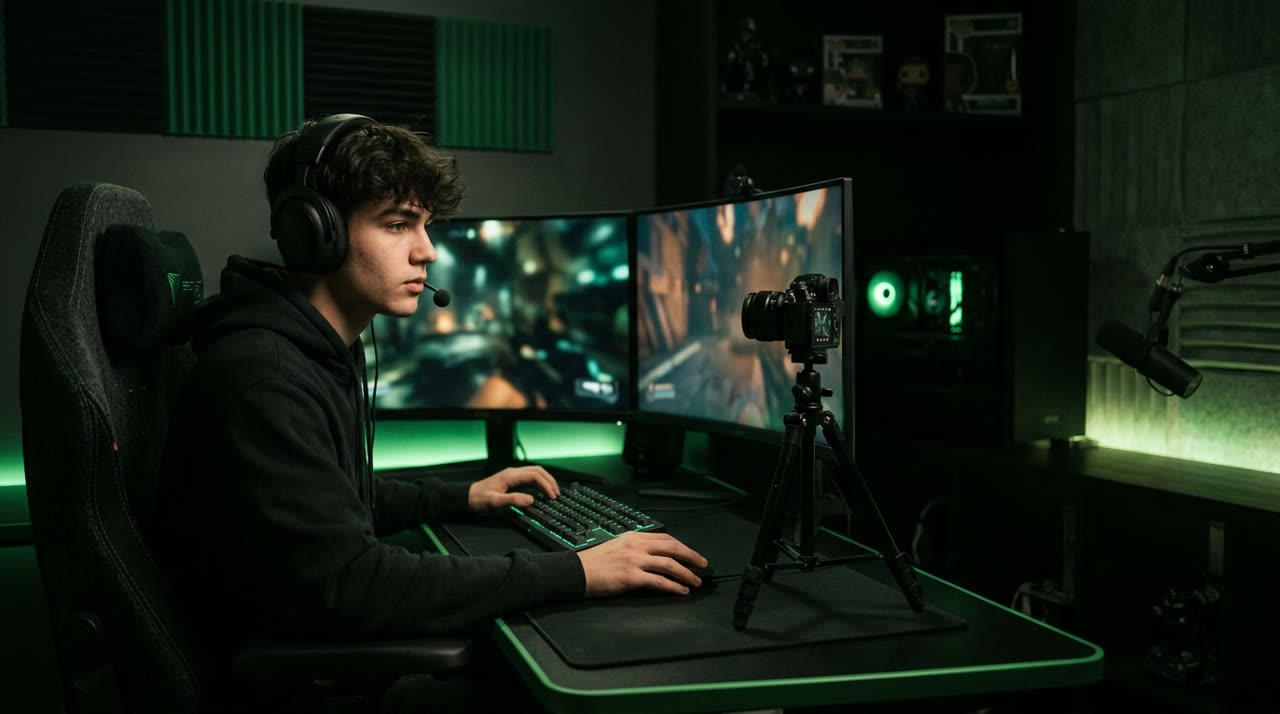
Video clips for gamers: don’t let great plays get lost in the VOD
You played for four hours. Somewhere in there was the clutch, the startled reaction, the burst of laughter during the call, and that sequence that instantly became a meme. The usual problem: all of this is buried in a long, horizontal VOD, and nobody wants to rewatch it all just to find each moment. This is exactly where AI-powered video clips for gamers change the game — you play, and the clip studio handles the boring part.
Picotta is a clip studio that takes long videos and returns ready-to-post vertical clips for Reels, TikTok, and Shorts. For gamers, the difference lies in two details almost no other tool gets right: framing the game AND the facecam simultaneously and knowing which moments are worth clipping.
The format challenge: gameplay is 16:9, Shorts are 9:16
Gameplay is horizontal. Shorts are vertical. If you just crop the middle of the screen, you lose half the action; if you prioritize the facecam, you lose the game. The manual workaround is editing frame by frame — impossible if you post daily.
Picotta solves this with the automatic stacked mode (gameplay + facecam). When the video includes gameplay with webcam, the studio detects the facecam box and creates a clip with two sections:
- Your camera on top, anchored on your face so it doesn’t cut off your forehead or chin.
- The game below, filling the rest of the vertical space with the action.
You play, upload the VOD or link, and the clip comes out showing both your face and the play — no editor needed.
What if there’s no facecam?
Not every gameplay has a webcam. In that case, the studio chooses the layout automatically: full screen for games where the action is centered, or smart cropping at the point of movement. If the clip is just you reacting (camera only), the face reframe follows whoever’s speaking. The idea is simple: the layout adapts to the content, not the other way around.
AI finds the moment — not just random cuts
Anyone can cut random 60-second blocks. The hard part is finding the moment. Picotta’s curation transcribes the audio, measures peaks in sound energy (that clutch scream, the call’s laughter), and for YouTube livestreams, even cross-references the most rewatched parts. Boring moments don’t get clipped; the play that made the call explode does.
Each clip comes with a potential score, so you post the most engaging ones first instead of guessing.
Features that matter for gamers
| Feature | What it does for your clip |
|---|---|
| Stacked gameplay + facecam | Game and your camera in the same vertical frame, automatic |
| Face reframe | Camera follows whoever’s speaking, no face cutoffs |
| Tight cuts | Removes pauses and silences — clips move fast, no fluff |
| Automatic captions | Captions styled to grab attention for sound-off feeds |
| Live monitor | When your live ends, clips queue up automatically |
| Potential score | Post the best clips first |
The tight cuts are especially important for gamers: gameplay has a lot of downtime between plays. Removing pauses keeps the clip moving in a jump-cut style, which holds viewers’ attention on vertical.
And the live monitor saves the most time for streamers: you register your channel, stream as usual, and when the broadcast ends Picotta grabs the VOD and queues the best moments. It works for YouTube, Twitch, and Kick. If you live stream regularly, check out our streamer solutions page.
How to clip your gameplay in 3 steps
- Upload the link or file. Paste your YouTube/Twitch/Kick VOD link or upload the file. No heavy software to install.
- Choose the essentials. Select your brand and optionally the segment — the AI decides how many clips the video yields, or you lock an exact number in Custom mode. In automatic mode, AI applies the recommended preset (framing, tight cuts, captions) — no tweaking needed.
- Download ready clips. Vertical, captioned, with stacked game and facecam. Ready for TikTok, Reels, and Shorts.
If you want to understand the logic behind engaging clips — hook, payoff, and rhythm — check out how to make viral clips.
Picotta vs. international tools: where we win (and where they’re good)
Tools like OpusClip, Klap, and Vizard are solid and helped popularize AI clipping — credit where it’s due. But for Brazilian gamers, some points matter:
- Pricing in Brazilian Real, charged on your card. Picotta charges in BRL, no worries about dollar fluctuations or international accounts. The international tools charge in dollars.
- Automatic stacked gameplay + facecam. This is the layout gamers use most, and Picotta builds it automatically by detecting the camera box.
- Native live monitor. When your live ends, clips queue up — no need to open the tool.
- Face reframe and tight cuts included by default in the recommended preset.
- No "AI look." Clean cuts, captions that fit the feed, no over-the-top templates.
For a full comparison, check out the best AI clip generators and, for a Brazilian competitor, Cut.Pro vs Picotta. We acknowledge each tool’s strengths and show where Picotta stands out.
You can make money with clips
Clipping your own gameplay is content all day from one stream. But you can go further: if you clip for other creators or channels, clips become a service. And the affiliate program pays a cash commission, via Pix, when the new users you refer subscribe — see the affiliate terms for details.
Conclusion: you play, Picotta clips
Great gameplay shouldn’t die in a four-hour VOD. With AI-powered video clips for gamers, the clutch becomes a Short, the reaction becomes a Reel, and the funny call becomes a TikTok — with stacked game and facecam, ready captions, and perfect pacing. You play; the studio clips.
See all posts on the blog, check plans on pricing, and when you’re ready, start clipping.
Pronto pra picotar o seu próximo vídeo?
Cole o link e receba cortes prontos pra postar. Grátis pra testar.
Comece a picotar →Sem cartão de crédito. Cancele quando quiser.