How to Make Live Clips of Church Services and Sermons
A two-hour church service holds dozens of sermon clips. See how to capture the best moments without including sung worship.
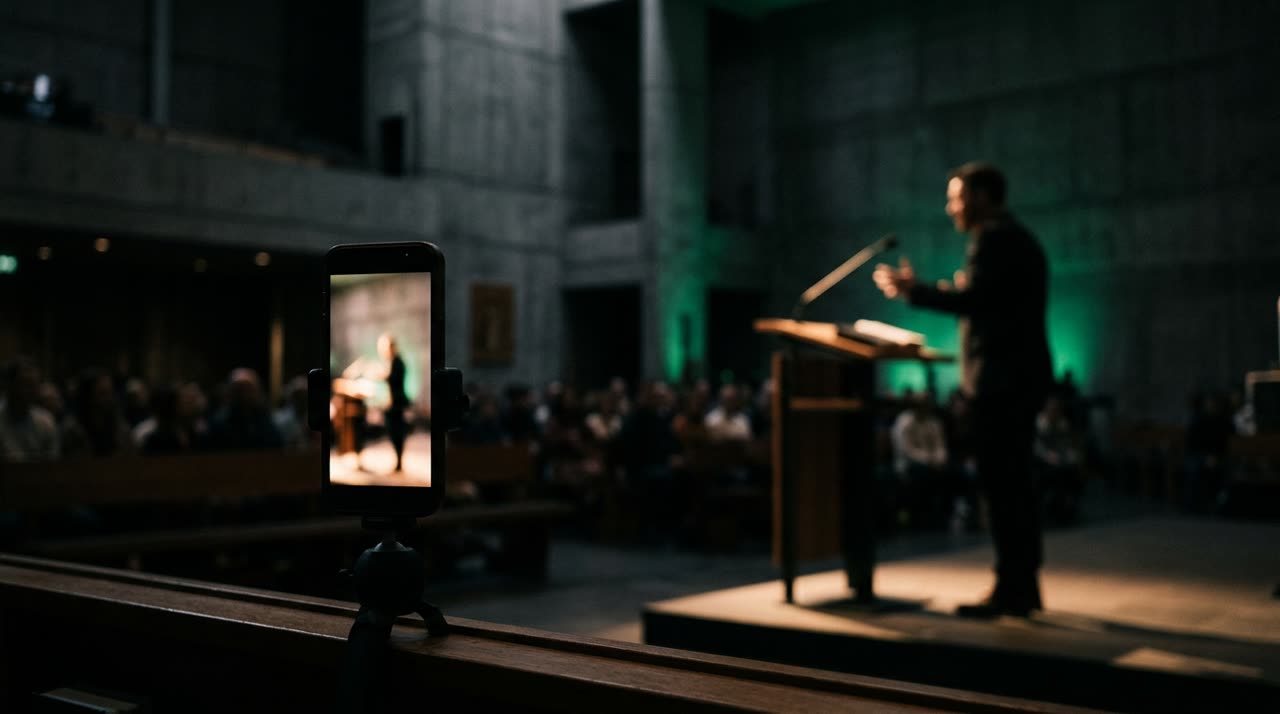
How to Make Live Clips of Church Services Without Manual Work
A live church service usually lasts over two hours: opening, announcements, worship, reading, sermon, ministry, closing. Within that, what becomes Reels and Shorts is almost always a segment of the sermon — a phrase that invites, a turning point, a truth that sticks in your mind. The problem is finding those moments in a long recording full of parts that don’t cut well.
This guide shows how to make live clips of church services and sermons honestly: you upload the live video to Picotta, the clip studio detects that the video is church content, prioritizes the pulpit speech, and leaves out the sung worship. It’s the same process that works for any long-form content channel, adjusted for church.
Why Cutting Church Services Is Different
Cutting a podcast is one thing. Cutting a church service is another. Some reasons:
- Much of it isn’t preaching. Announcements, offerings, liturgy, and transitions take time but don’t make good clips.
- Sung worship tricks automatic cutters. A chorus has high sound energy, so tools that only look at "volume" think there’s a viral peak — delivering a piece of music with shaky karaoke-style captions that look awful.
- The camera is far away. The pulpit is usually filmed from a distance, and a 9:16 crop centered on the frame makes the preacher small or cuts off their head.
A good church clip workflow needs to solve all three. That’s exactly where Picotta focuses.
Step-by-Step in Picotta
1. Upload the live video or paste the link
You send the file directly from your browser or paste the broadcast link (YouTube, for example). No need to download anything first. If the service was live on YouTube, the video link is enough.
2. Leave the genre set to "Detect (AI)"
Here’s the trick. By leaving the genre automatic, Picotta reads a sample of the transcript and classifies the video before choosing clips. When the content is church-related, the engine:
- Prioritizes the sermon and avoids liturgy, announcements, and singing;
- Detects sung worship and marks those parts to avoid creating music clips with speech captions;
- adjusts the curation tone for a church audience.
You don’t need to manually select "church" — but in Custom mode, the church genre is available if you want to force it.
3. Choose the branding
Set the branding (logo, name, @handle, and seal) that appears in the theme header. The AI decides how many clips the service yields — or you can lock an exact number in Custom mode. Billing is by minute of source video, not per clip — so more clips from the same service don’t cost extra.
4. Generate and get notified on WhatsApp
The studio transcribes, finds the best sermon moments, reframes, and delivers 9:16 clips ready for Reels, Shorts, and TikTok. When ready, you get a WhatsApp notification with the link.
What Picotta Does to Avoid Bad Church Clips
| Feature | What It Solves in Church Services |
|---|---|
| Church genre detection | Prioritizes sermon, ignores announcements and liturgy |
| Music detection | Sung worship comes out without karaoke captions or awkward cuts |
| Face reframing | Follows the preacher even when filmed from afar (central crop or stable framing when the camera is wide) |
| Clean cuts | Removes pauses and silences from speech, keeping the clip’s rhythm |
| Automatic captions | Adds sermon captions in the style you choose |
The reframe decides per scene: when the preacher is steady at the pulpit, it crops to keep them large and centered; when the scene is too wide, it avoids cutting off the head. The clean cuts remove breaths and long pauses typical of slow preaching without chopping worship music (which would ruin it).
Where Picotta Stands Compared to Others
Tools like OpusClip and Cut.Pro do well at what they do, and AI clip generation has grown a lot. Where Picotta stands out for church service clips in Brazil:
- Real church and music detection, not just "found noise, cut it";
- Live monitor: register the church’s channel and when the service ends, the studio queues clips automatically (available in paid plans);
- Pricing in Brazilian Real, on card — no dollar conversion;
- clean visual style without an "AI look", clean clips with church branding in the header.
For a deeper comparison, see Cut.Pro vs Picotta and the best AI clip generators comparison 2026. To understand what makes a clip stick, check how to make viral clips.
Tips to Get the Most from Church Clips
- Send the entire live video. The engine analyzes by the minute and finds the sermon wherever it is; no need to pre-cut.
- Use a clear post theme with the church’s logo and @handle in the header — it helps reach and identity.
- Check worship clips. If any remain, they come without speech captions (correctly); you decide whether to publish.
- Activate the live monitor if your church streams weekly — clips arrive without you having to upload anything.
This workflow works for any ministry, from Sunday service to recorded small groups. Also see the pages for church clips, streamers, and podcasters, plus plans and pricing. If you edit for multiple churches or clients, the affiliate program might make sense.
Conclusion
Making live clips of church services is no longer manual mining through two hours of footage. With church genre detection, Picotta prioritizes the sermon, leaves out sung worship, and delivers the best moments reframed on the face, with captions and your church’s branding — priced in Real, on card, no hassle.
Start clipping and turn your next service into sermon clips ready to post.
Pronto pra picotar o seu próximo vídeo?
Cole o link e receba cortes prontos pra postar. Grátis pra testar.
Comece a picotar →Sem cartão de crédito. Cancele quando quiser.