Split Screen: What It Is and How to Use It in Video Clips
Split screen means two videos in the same frame. Find out what it is, why it’s popular on TikTok, and how to create these clips without manual editing.
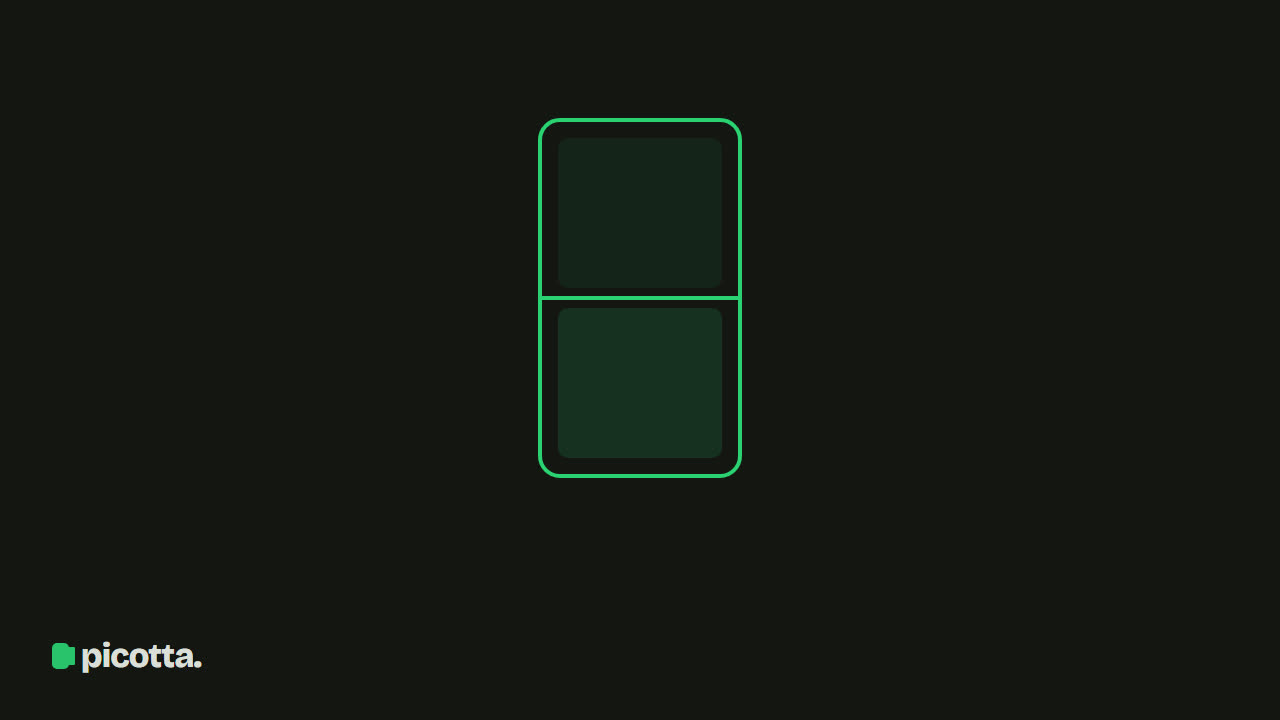
What is split screen
Split screen is the technique of showing two videos at the same time in the same frame — the screen is literally divided into two areas, each displaying a different source.
In vertical video (9:16), the split is almost always top and bottom: the main video takes the top half and a second video fills the bottom half. You’ve seen this countless times on TikTok — a podcast on top and gameplay below, a commentator above and the scene being commented on below.
Why split screen dominates short video
The reason is retention. Split screen tackles the two biggest challenges of spoken videos:
- Talking head videos are visually monotonous — the second video (gameplay, running on pavement, cooking) provides constant movement for the eyes while the ears focus on the speech.
- The first few seconds decide everything — two sources of stimulus keep viewers scrolling through their feed from swiping past.
It’s not decoration: clip channels use split screen systematically because average watch time goes up.
Split screen vs stacked screen: what’s the difference?
They’re similar but not the same:
- Split screen: two different videos — for example, a podcast + unrelated gameplay in the background.
- Stacked screen: two parts of the same video — in a podcast with two people, each occupies half; in a class, slides on top and the teacher below.
Picotta does both. You choose split screen when generating a clip (by adding the second video via link or upload). The AI decides automatically when to stack — detecting two people talking or a class with slides and assembling the frame.
Split screen dimensions (9:16 stacked)
In vertical 9:16, the full frame is 1080×1920 pixels, split evenly into two halves stacked one above the other — the main video on top, the second video on the bottom. Each half is exactly half the height:
| Area | Resolution |
|---|---|
| Full frame (9:16) | 1080 × 1920 |
| Top half (main video) | 1080 × 960 |
| Bottom half (second video) | 1080 × 960 |
You don't set these pixel values by hand — Picotta assembles the stacked frame for you at 1080×1920, ready for Reels, TikTok, and Shorts.
How to create a split screen clip (no editor needed)
The manual way — downloading both videos, aligning them in an editor, cutting, exporting — takes hours. Picotta’s workflow:
- Paste the link (or upload) the main video — the one with the speech.
- In Fine Settings → Split Screen, add the second video (link or file).
- Choose the mode: fixed (split for the entire clip) or alternating (background appears and disappears in windows, alternating with full video).
- Generate. The AI finds the best moments, cuts, assembles the split screen, adds captions, and applies your watermark.
Full step-by-step is in how to make split screen clips.
Tips when using split screen
- Rights for the second video: use your own material or royalty-free content. Own gameplay works well.
- Don’t overdo it: content with strong visual appeal (sports, physical comedy) doesn’t need a background — split screen shines in long speech.
- Always caption: with two videos on screen, captions anchor the message. Picotta adds them automatically.
Frequently Asked Questions
What is split screen? It’s showing two videos at the same time in one frame. In vertical video (9:16), it’s almost always one on top and one on the bottom.
What’s the difference between split screen and stacked screen? Split screen uses two different videos (e.g., podcast + gameplay). Stacked screen uses two parts of the same video (e.g., each person of a podcast in one half).
How do I make a split screen on TikTok? In Picotta you point to the main video and a second background video; the AI cuts, assembles the split screen in 9:16, adds captions, and applies your branding.
Do I need a video editor for split screen? No. Doing it manually takes hours; Picotta builds the split-screen clip automatically from your two source videos.
Conclusion
Split screen is the divided screen: two videos in the same frame, usually one on top and one below in vertical format. It’s one of the most effective tools to boost retention in spoken content — and one of the most tedious to assemble manually.
With Picotta, it’s an option when generating clips: you provide both videos and get everything ready, with captions and watermark. Start clipping now — and also check out what dry cuts are and the viral clips guide.
Pronto pra picotar o seu próximo vídeo?
Cole o link e receba cortes prontos pra postar. Grátis pra testar.
Comece a picotar →Sem cartão de crédito. Cancele quando quiser.